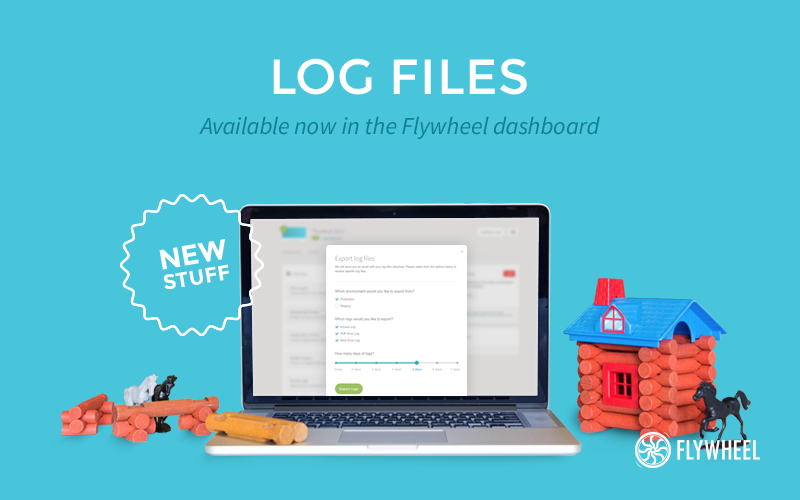
Soon after the introduction of stats, Flywheel have rolled out another great feature to their managed WordPress hosting platform recently: Log Files.
-
people visited this page
-
spent on this page
0
people liked this page
Share this page on
Share this page, earn commissions for referred customers.
Copied!
Log Files
Customers are now getting access to their site’s log files with a single click of a button. You are thus able to export access logs, PHP error logs and slow error logs – a feature that especially developers will love.
Simply navigate to the “advanced” tab in your Flywheel dashboard, click “export logs” and export logs from either your staging or production site. You can choose which logs and how many days you would like to export. Then just sit back and check your inbox with a link to download your report.
Ahoi.dev is a ShabuShabu project by Stefan Glumpler & Boris Glumpler – a brother and web designer / developer team based in Munich, Germany. Servus from Bavaria!










Add your first comment to this post