
Curated blog with news, events, listings, jobs and exciting stories about web design & web development.

Job Boardly Introduces Native Blog & US State-Level Remote Role Restrictions
Nelson from Job Boardly has just introduced a native blog, a weekly summary schedule and US state-level remote role restrictions to its no-code job board builder SaaS.
New Features
Let’s take a quick look at what’s new in Job Boardly:
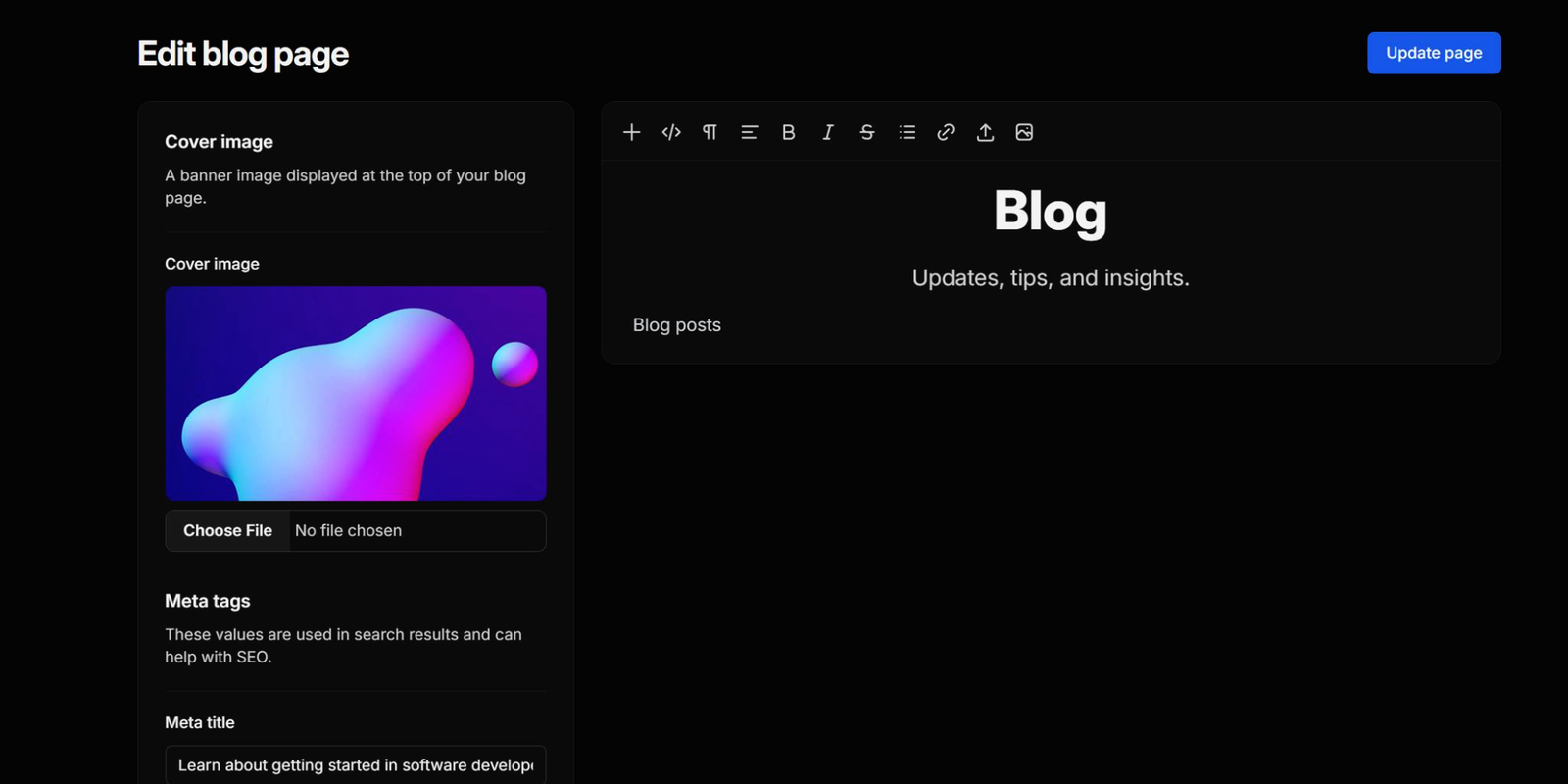
- Blog: You can now create and manage your own blog directly within Job Boardly! With the blog feature, you can write your own job posts for your community and attract new visitors to your job board. Grow your audience and engage with your existing community by providing content to help them find work in your niche.
- Customizable Page Titles: Board owners can now customize page titles and their position.
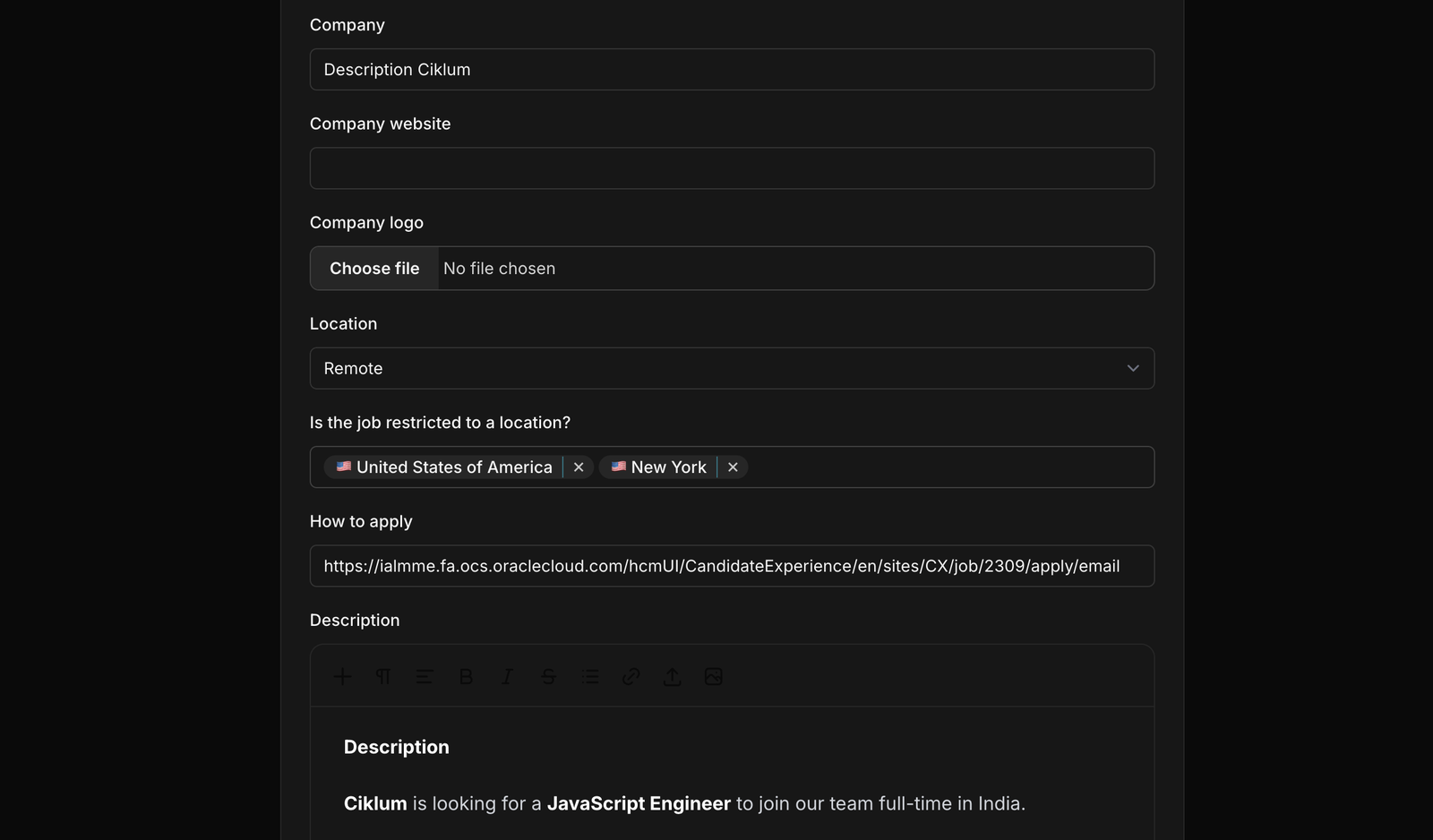
- US State-Level Remote Role Restrictions: US users can now restrict remote roles by state, limiting applications to those in New York or Texas, for example. This option is available when creating a post for a remote role.
- Custom Checkout Durations: Board owners can now set custom expiry durations for checkouts on their board. These can be modified from the default of 24 hours in the Integrations tab.
- Customizable robots.txt: You can now customize the robots.txt file for their job board.
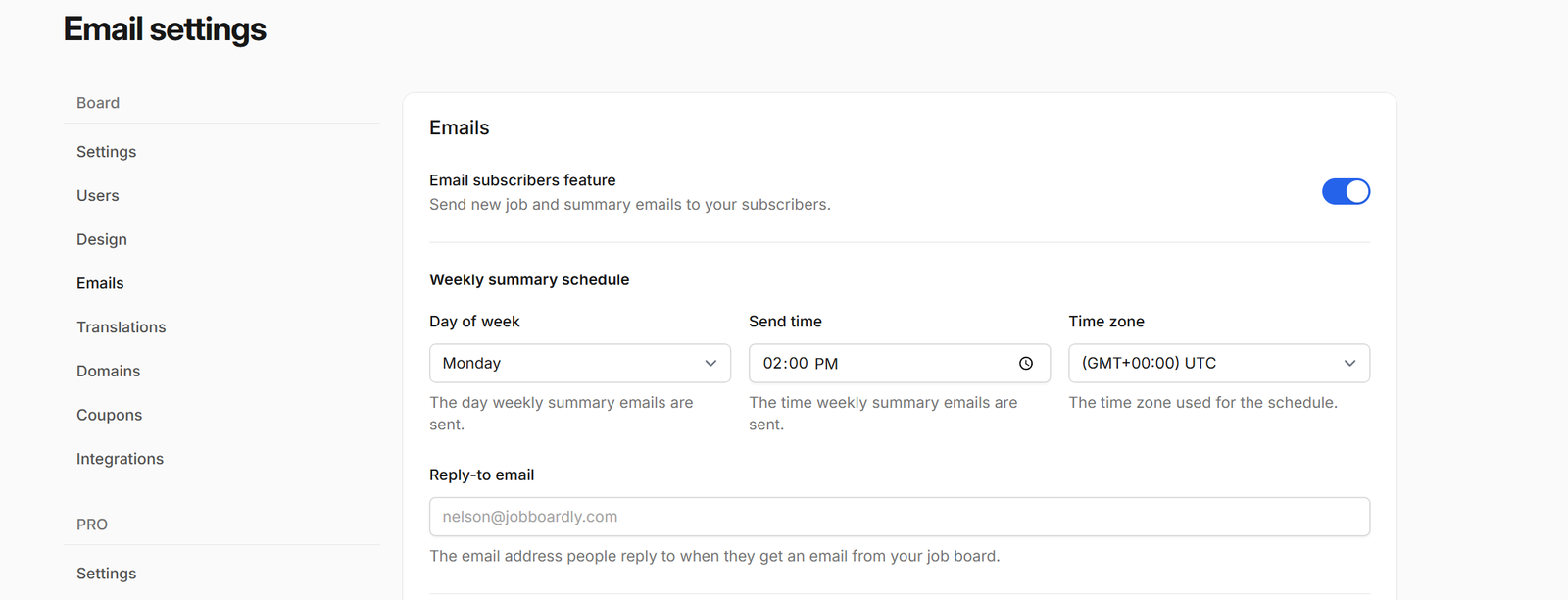
- Weekly Summary Schedule (Pro): Job Boardly Pro users can now schedule when their weekly newsletter will be sent out. In the ‘Emails’ tab of ‘Settings’, users can set the day and time their weekly summary will be sent out.
Finally, Job Boardly has introduced an experimental new feature called Name-Based Logo Search. If a URL is not present in the job listing, it will retrieve the logo using the company name via Logo.dev.

Biff Codes - The Job Board for WordPress Devs
Biff.codes is on a mission to revolutionize job boards. Post and find WordPress developer jobs for free.
FTC Disclosure: We may receive a payment in connection with purchases of products or services featured in this post.





Add your first comment to this post