
Curated blog with news, events, listings, jobs and exciting stories about web design & web development.

Job Boardly Introduces New Pricing Page For Job Boards
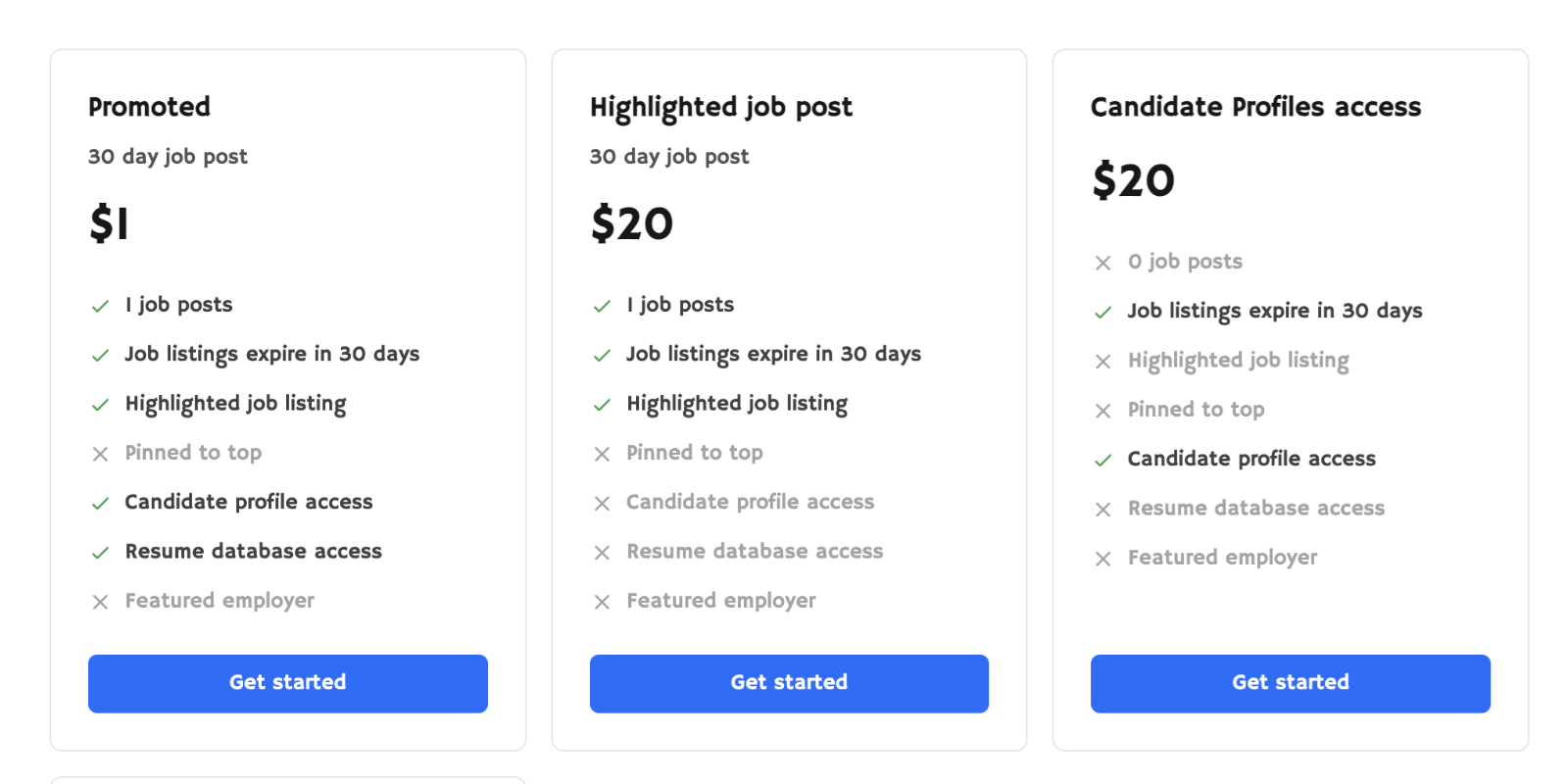
Following the release of the new Pro plan about a week ago, Nelson from Job Boardly has just introduced a new pricing page option for the no-code job board builder SaaS.
New Features
Let’s take a quick tour of the new features in Job Boardly:
- New Pricing Page:
Job Boardly has introduced the option of creating a public pricing page for your job board. This allows employers to view your prices before signing up for an account. This is particularly useful for job boards offering different subscription or posting packages. - Candidate Profiles (Pro):
They have also introduced new settings that determine who can access candidate profiles on your job board. Profiles are now, by default, only visible to employers and can be disabled/hidden in the settings. Access to profiles can be restricted to employer subscriptions only. Finally, the ‘Profiles’ link will only be visible to users who are signed in as employers. - Company Pages (Pro):
You can now disable or hide company pages in the job board settings. - Application Templates (Pro):
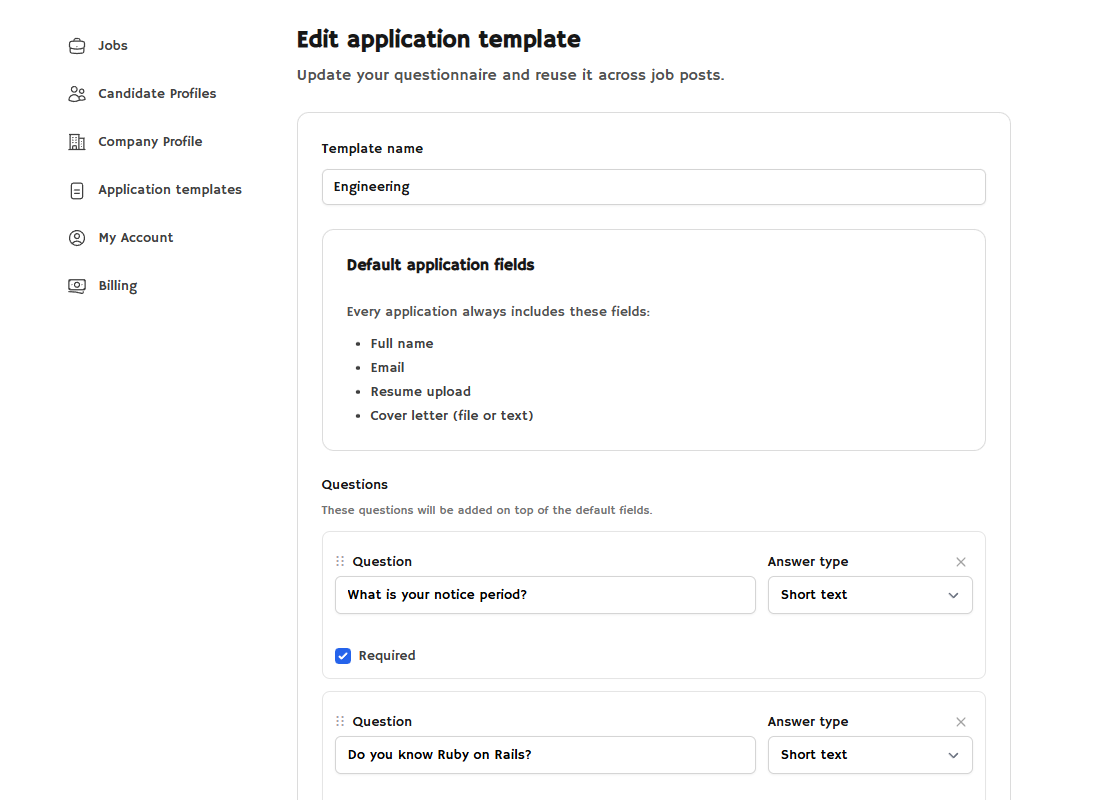
Application templates have now been added to the Employer Dashboard. These allow employers to create template questions for specific roles or hires. This setting is enabled by default.
In other news, Job Boardly released a comprehensive help guide this week, providing a detailed walkthrough of Profiles and the Job Board API. They have also extended the 30-day money-back guarantee to the new Pro plan.

Biff Codes - The Job Board for WordPress Devs
Biff.codes is on a mission to revolutionize job boards. Post and find WordPress developer jobs for free.
FTC Disclosure: We may receive a payment in connection with purchases of products or services featured in this post.




Add your first comment to this post