
Curated blog with news, events, listings, jobs and exciting stories about web design & web development.


WP Umbrella Releases Plugin Update Automation
Aurelio from WP Umbrella has just announced the release of a new plugin update automation feature for the WordPress management and maintenance platform.
Plugin Update Automation
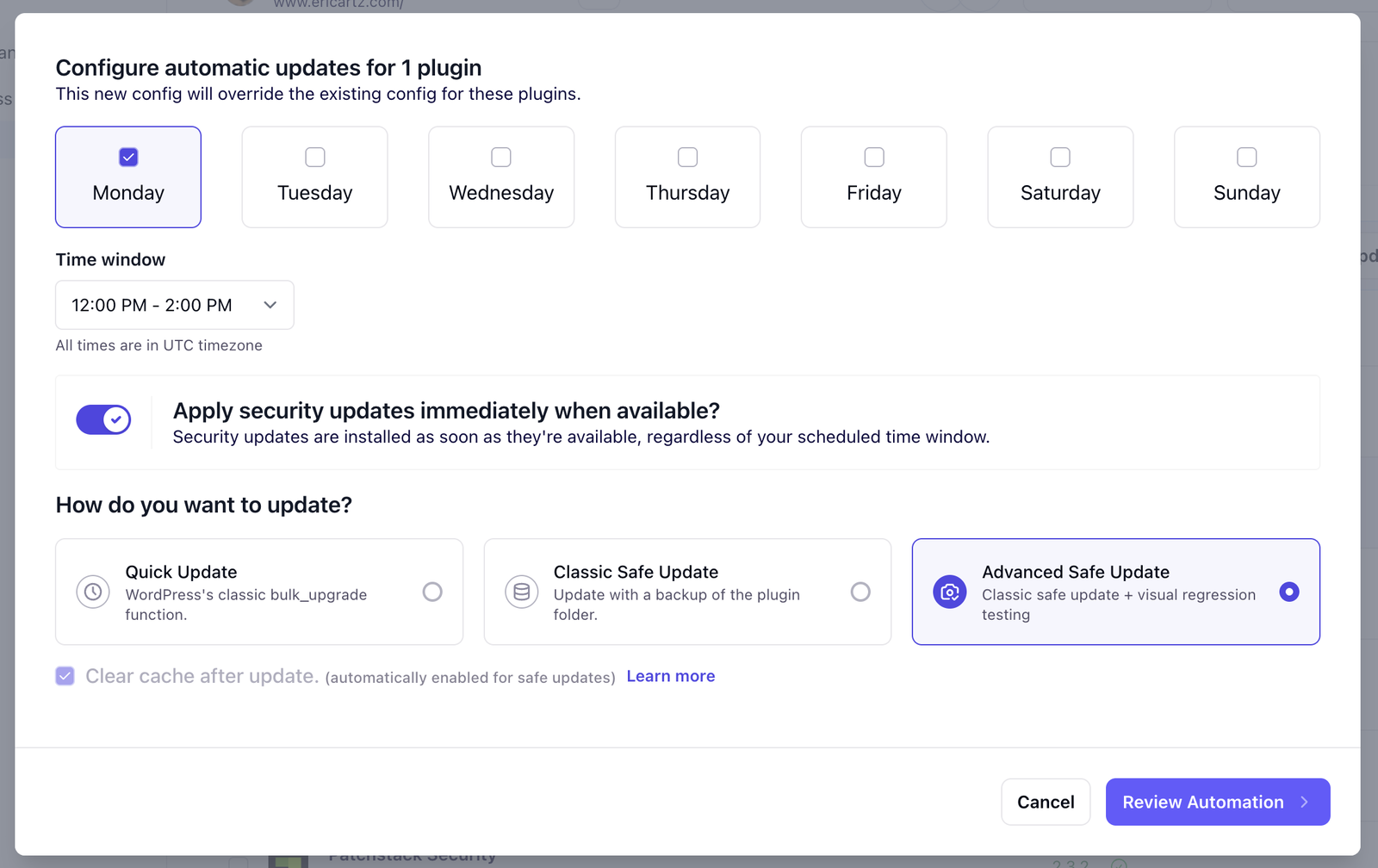
Over the past few months, the WP Umbrella team has been preparing for the release of this highly anticipated feature by enhancing update speed and adding a log page. You can now automate plugin updates in WP Umbrella, saving time while ensuring your websites are kept safe and up to date.
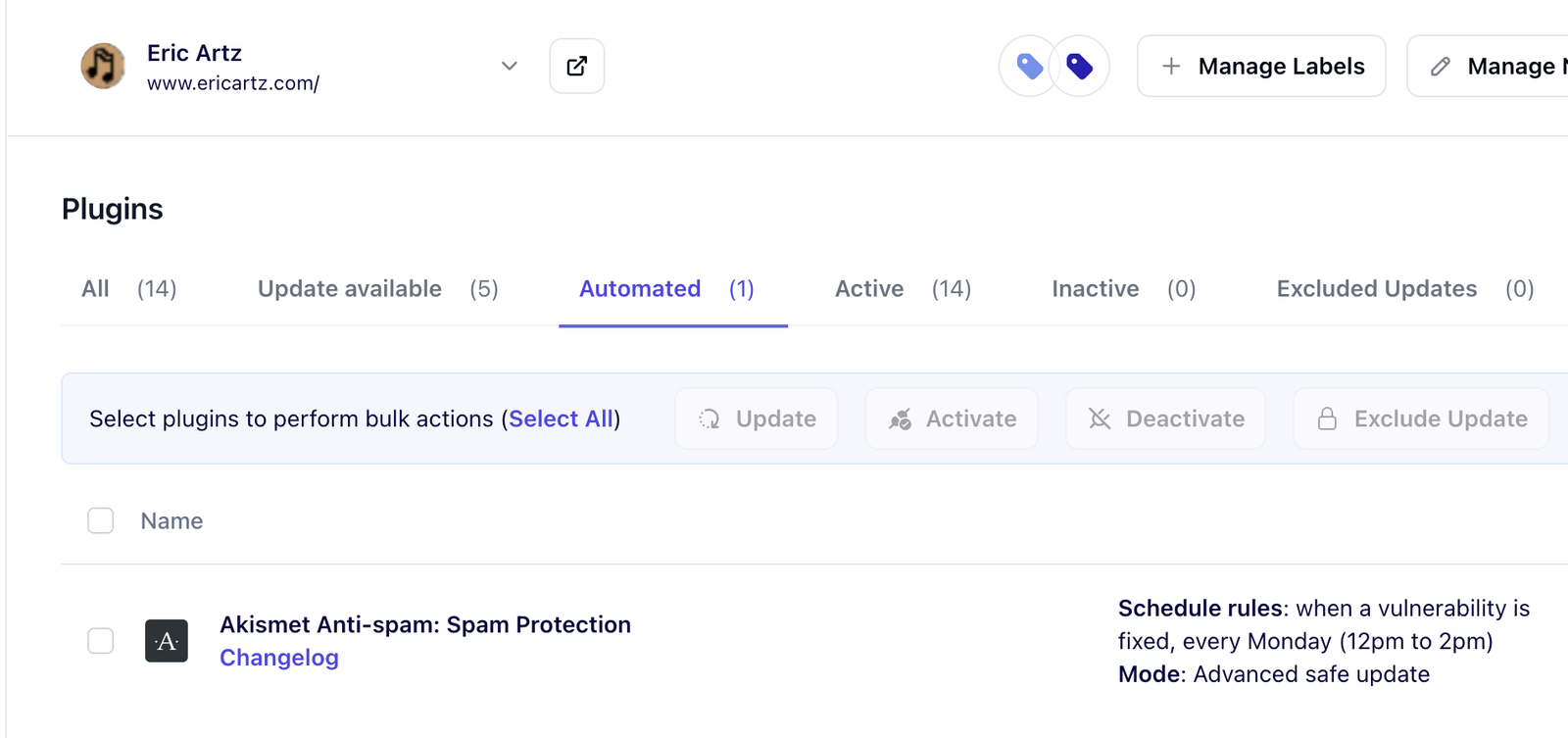
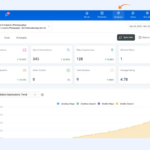
You can view all your automation rules in the ‘Automated’ filter on your dashboard.
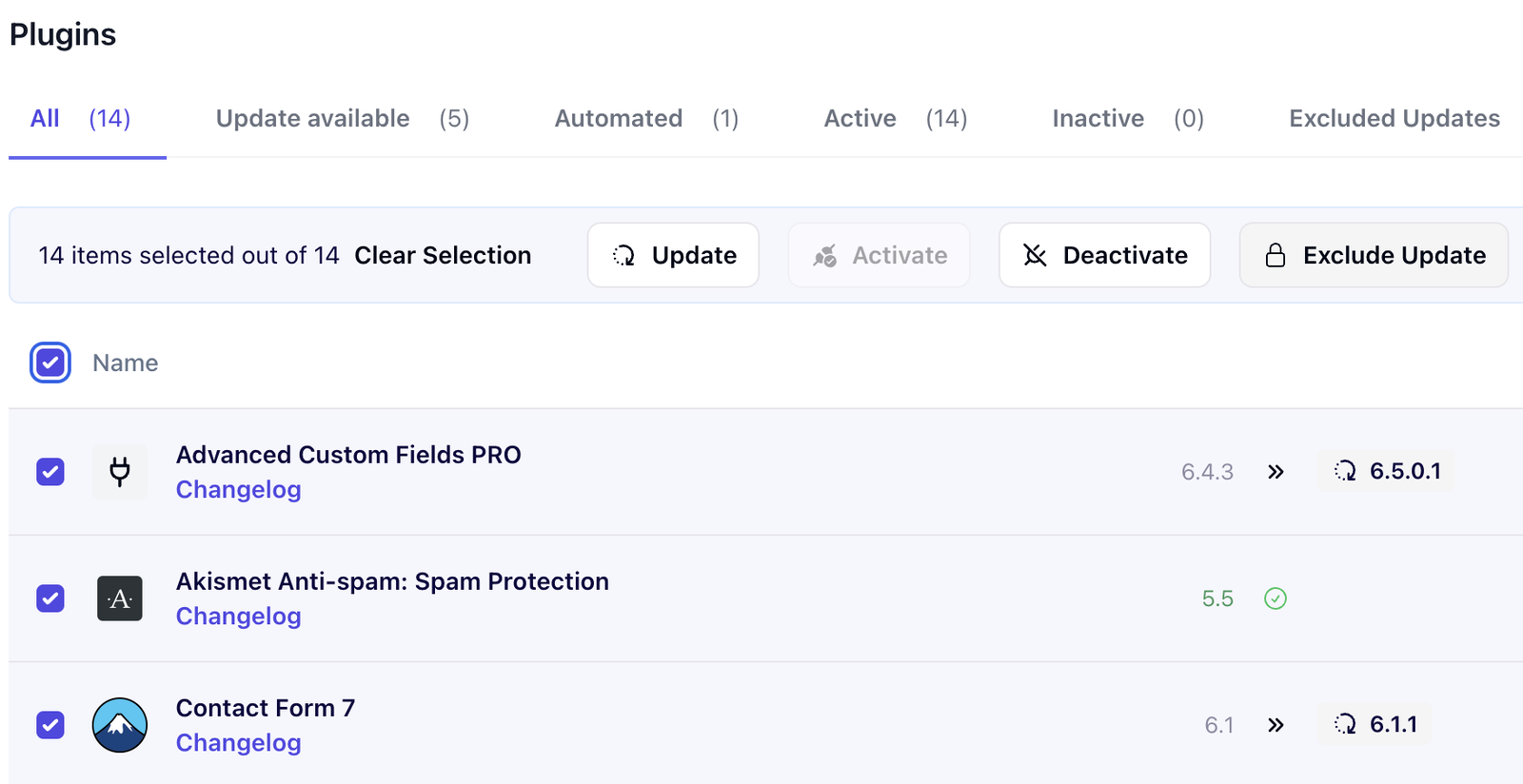
They have also redesigned the interface: the action bar has been moved from the bottom to the top to make navigation easier and support new bulk actions.
What’s More?
Now, let’s take a look at the other new features that have been introduced to the WP Umbrella platform this month:
- Bulk Exclude or Reconsider Updates:
You no longer have to exclude or reconsider updates one by one. You can now manage them in bulk. - Alert for Disconnected Sites:
You can now set up alerts for sites that have lost their connection. Simply select the relevant option in the Alerting Center and WP Umbrella will notify you if any of your sites lose their connection.
Next, WP Umbrella will work on creating an update history view showing all updates performed on each plugin. Stay tuned!

Biff Codes - The Job Board for WordPress Devs
Biff.codes is on a mission to revolutionize job boards. Post and find WordPress developer jobs for free.
FTC Disclosure: We may receive a payment in connection with purchases of products or services featured in this post.





Add your first comment to this post