
Curated blog with news, events, listings, jobs and exciting stories about web design & web development.

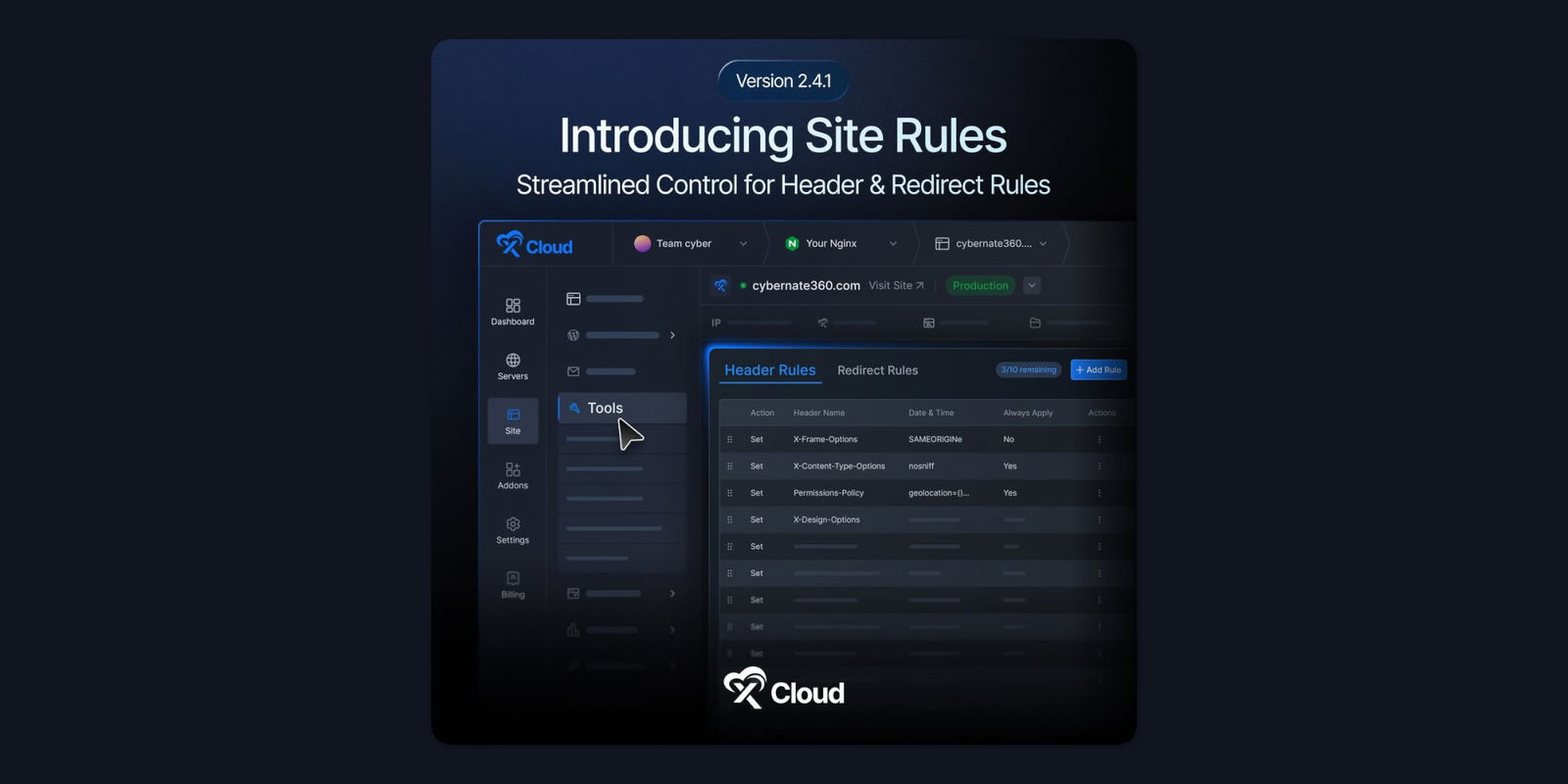
xCloud Introduces Site Rules for Easily Managing HTTP Headers & Redirects
xCloud has introduced Site Rules, Bulk NGINX Customization and Site-Level Cron Job Management to its managed cloud hosting and server management platform.
New: Site Rules
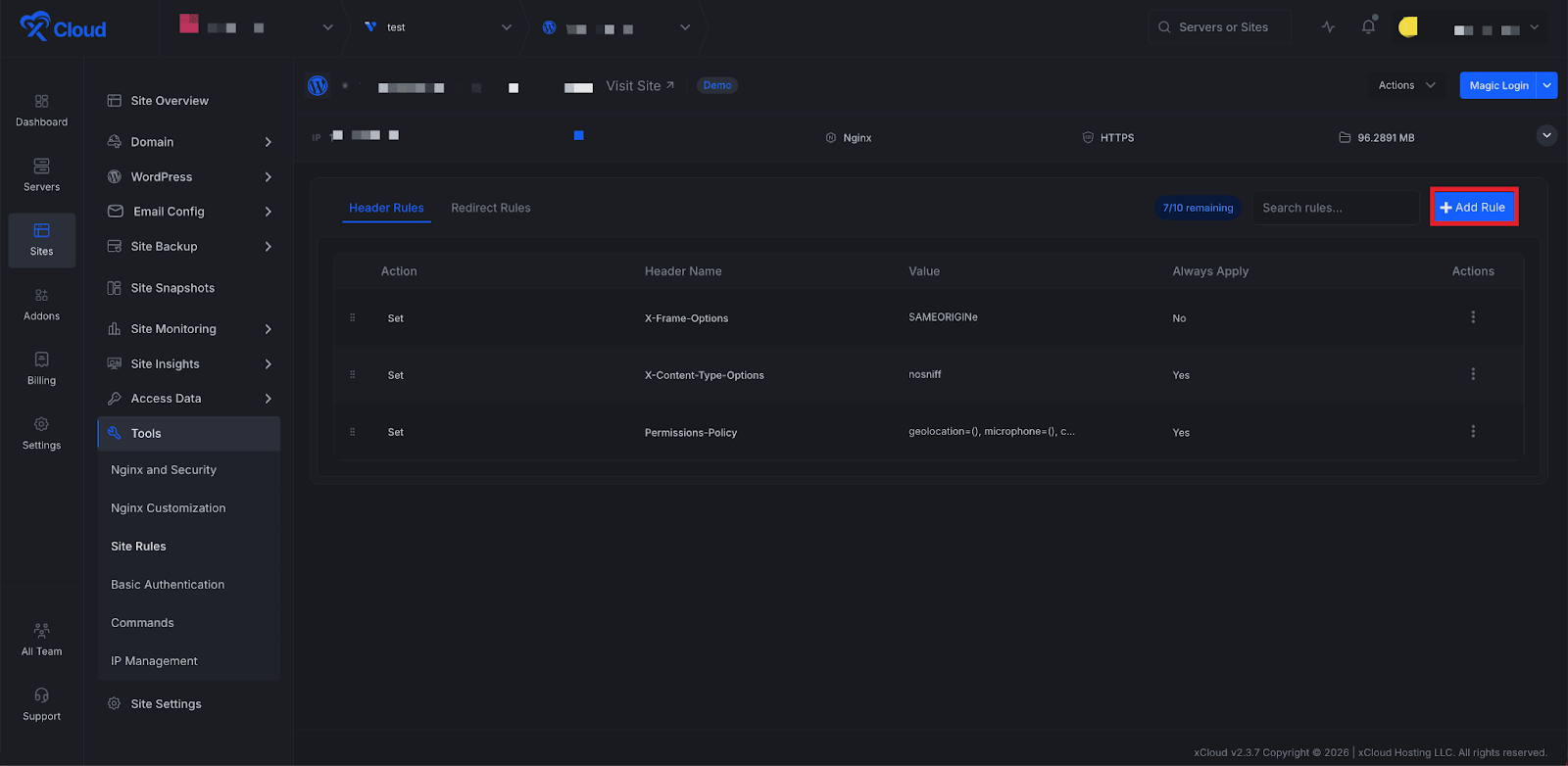
If you want to add a security header or set up a redirect, you usually have to edit NGINX config files manually. However, even a small mistake can cause issues. Site Rules offers a safer and easier alternative, enabling you to manage HTTP headers and redirects for your WordPress sites directly from the dashboard.
Using Site Rules, you can now:
- Create and manage HTTP header rules without having to edit the NGINX configuration file manually.
- Add 301 or 302 redirects directly from the xCloud dashboard.
- Use conditions based on hostname, URI, query string or device type.
- Apply common security headers faster with built-in presets.
- Test rules before saving to validate the syntax safely.
What’s More?
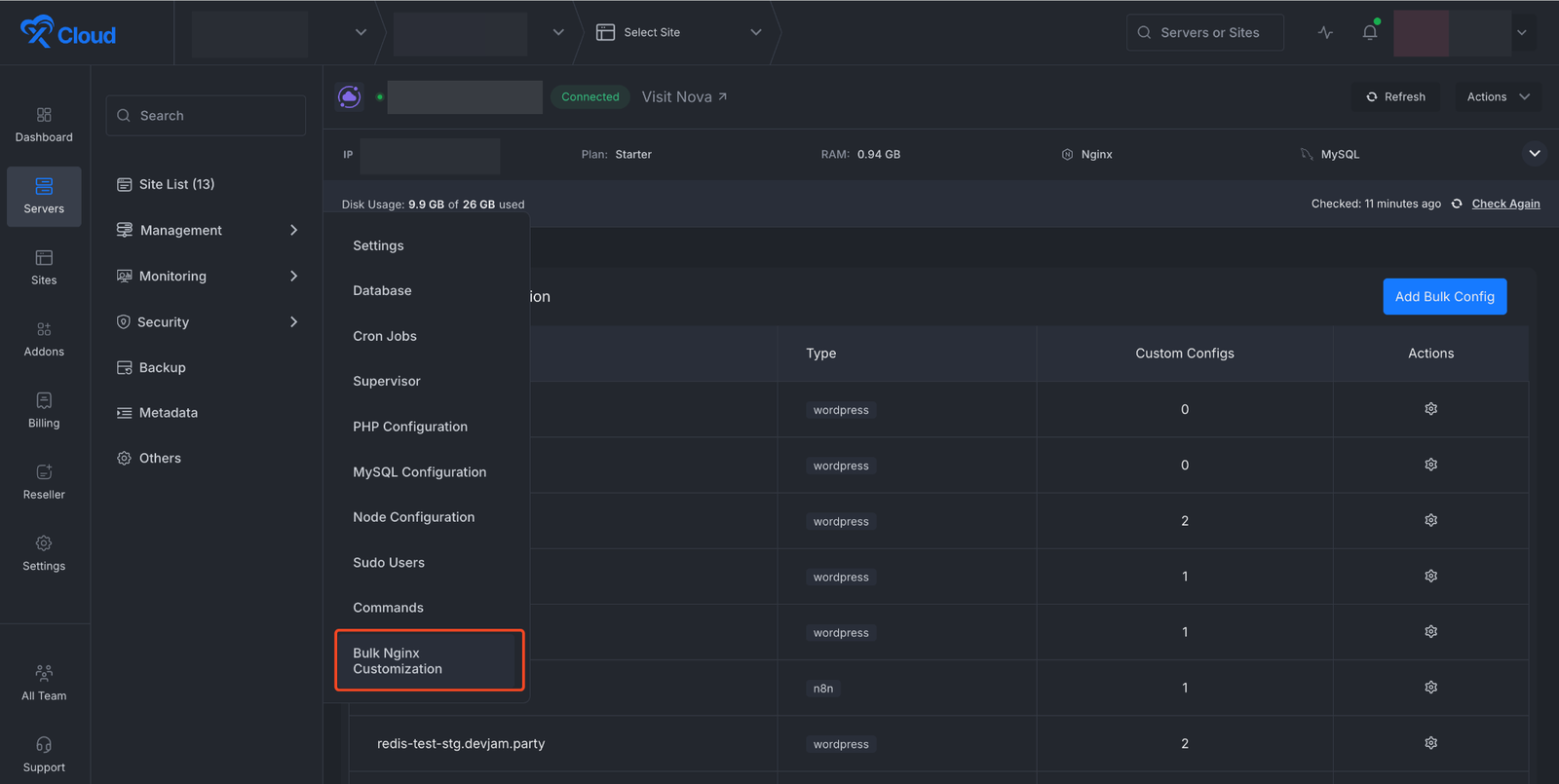
xCloud has also introduced Bulk NGINX Customization. This allows you to set up custom NGINX configurations on a server for multiple sites without having to edit each site individually.
You can now also restore a WordPress backup directly to another existing site on any server without rebuilding from scratch.
With Site-Level Cron Job Management, you can Create, edit, delete and monitor cron jobs for your site without SSH access.
Finally, with staging hook scripts, you can add custom post-pull and post-push hook scripts in staging management to automatically run bash commands after each sync.

Biff Codes - The Job Board for WordPress Devs
Biff.codes is on a mission to revolutionize job boards. Post and find WordPress developer jobs for free.
FTC Disclosure: We may receive a payment in connection with purchases of products or services featured in this post.





Add your first comment to this post