
Curated blog with news, events, listings, jobs and exciting stories about web design & web development.


Conversion Bridge Introduces UTM Reports & UTM Link Generator
Derek from Conversion Bridge has just released version 1.12 of his WordPress analytics and conversion tracking plugin. This update introduces UTM reports and a UTM link builder, as well as new integrations.
New Features
Let’s find out what’s new in Conversion Bridge:
- UTM Reports Dashboard & Link Generator:
Conversion Bridge already tracks UTM data with your conversions. Now there’s a dedicated UTM Reports Tool that allows you to view that data. There’s also a built-in UTM link builder that recognises the current page you are viewing and makes it easy to create a UTM-tagged link for it. - Multiple Meta Pixels:
Are you running campaigns for different clients or businesses? Now you can add multiple Meta pixels to a single site! - Smarter Event Tracking:
Custom events now support custom parameters to provide richer data. The new event queue also ensures that conversions are tracked even after redirects. Additionally, more blocks, such as video, audio, YouTube and social embeds, have built-in tracking options. - Easier Google Analytics Setup:
Use OAuth to connect with Google Analytics and Conversion Bridge will automatically create the GA4 dimensions you need. No more manual configuration required! - Improved Formidable Forms Integration:
Enhanced conversions and custom field tracking are now supported by the Formidable Forms integration.
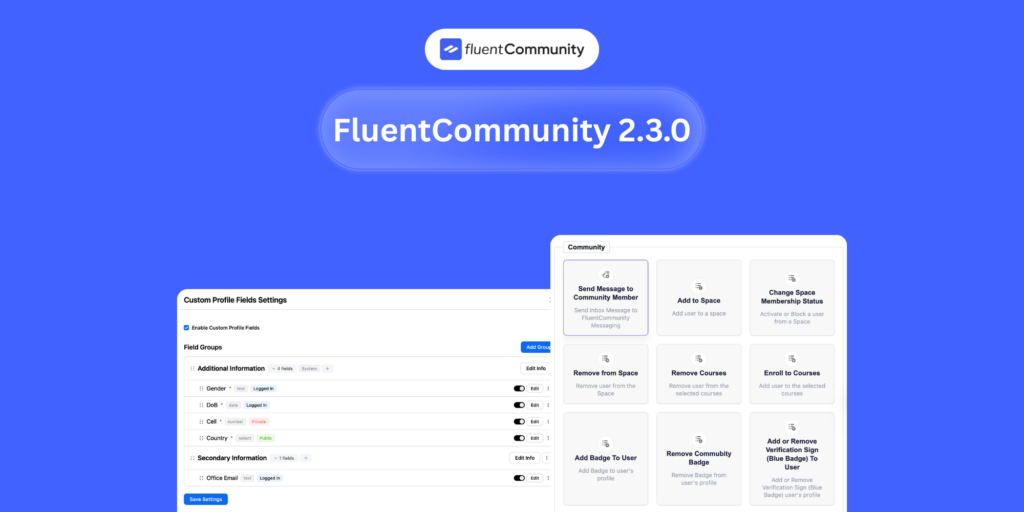
In other news, Conversion Bridge has introduced support for seven new integrations: Freemius, LatePoint, FluentAffiliate, FluentCommunity, Userbird Analytics, Rybitt Analytics, WPConsent, and Pressidium Cookie Consent.

Biff Codes - The Job Board for WordPress Devs
Biff.codes is on a mission to revolutionize job boards. Post and find WordPress developer jobs for free.
FTC Disclosure: We may receive a payment in connection with purchases of products or services featured in this post.




Add your first comment to this post