
Curated blog with news, events, listings, jobs and exciting stories about web design & web development.

MailerPress Releases Advanced Email Automation
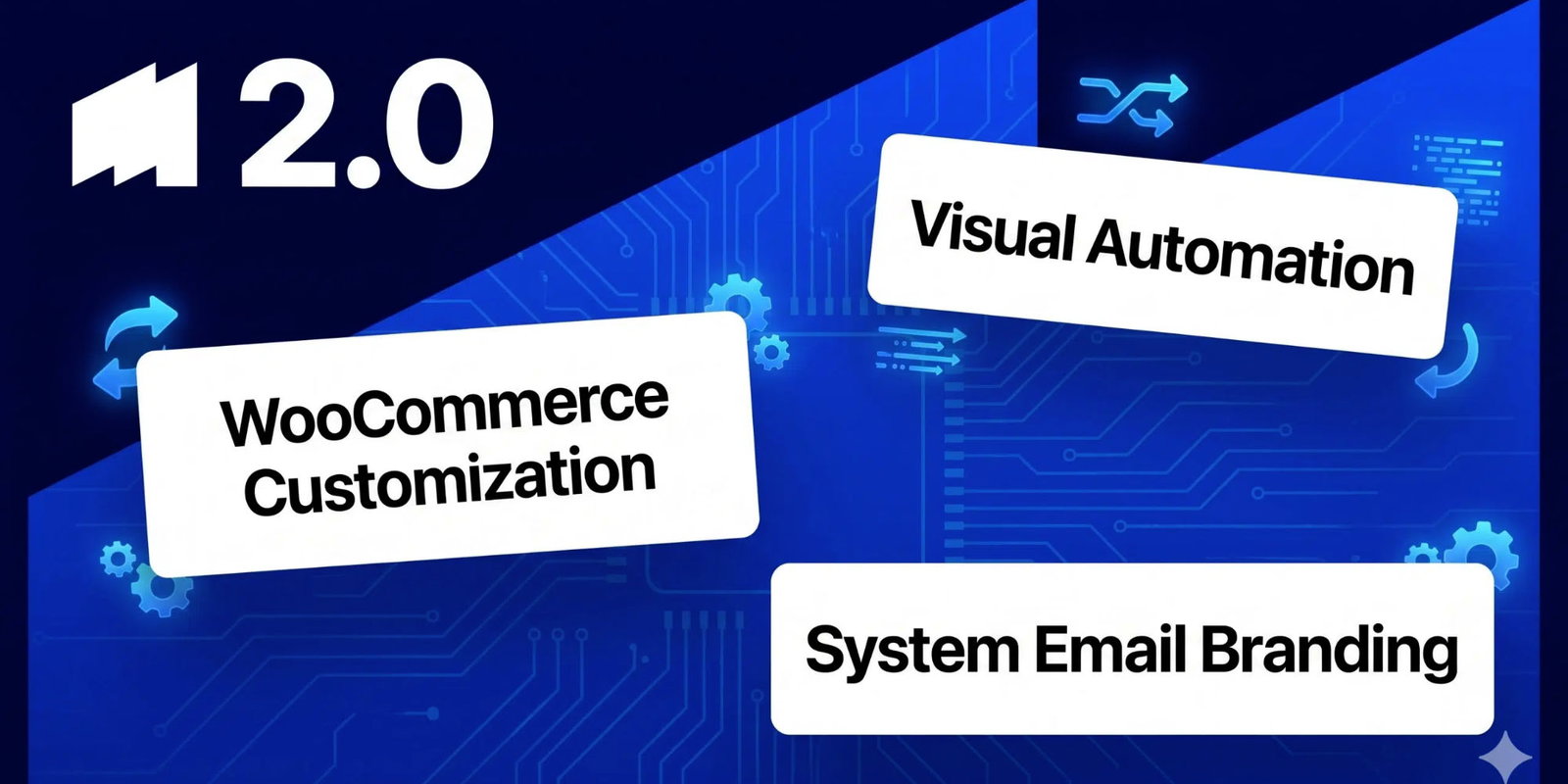
The MailerPress team has just introduced advanced email automation, full control over system and transactional emails and more to its email marketing plugin for WordPress.
New Features
Let’s find out what’s new in MailerPress 2.0:
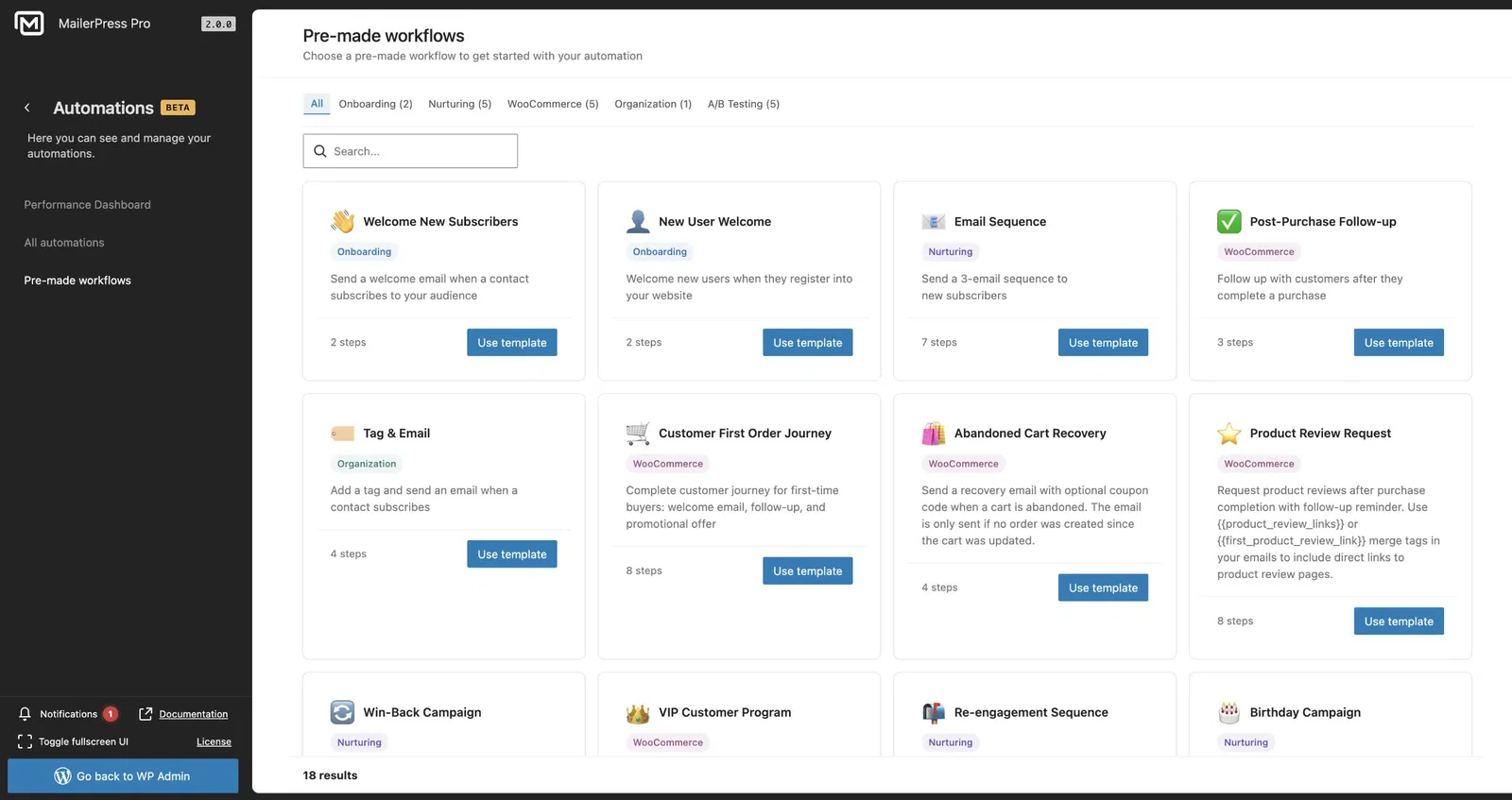
- Advanced Email Automation (Beta): Stop sending manual campaigns and start creating automated journeys. MailerPress 2.0 introduces a visual automation builder, enabling you to create advanced email workflows. With its new trigger-based system, conditional logic and multi-step paths, you can fully automate your email marketing funnel. For example, you could use it to send an onboarding sequence to new subscribers or a re-engagement campaign.
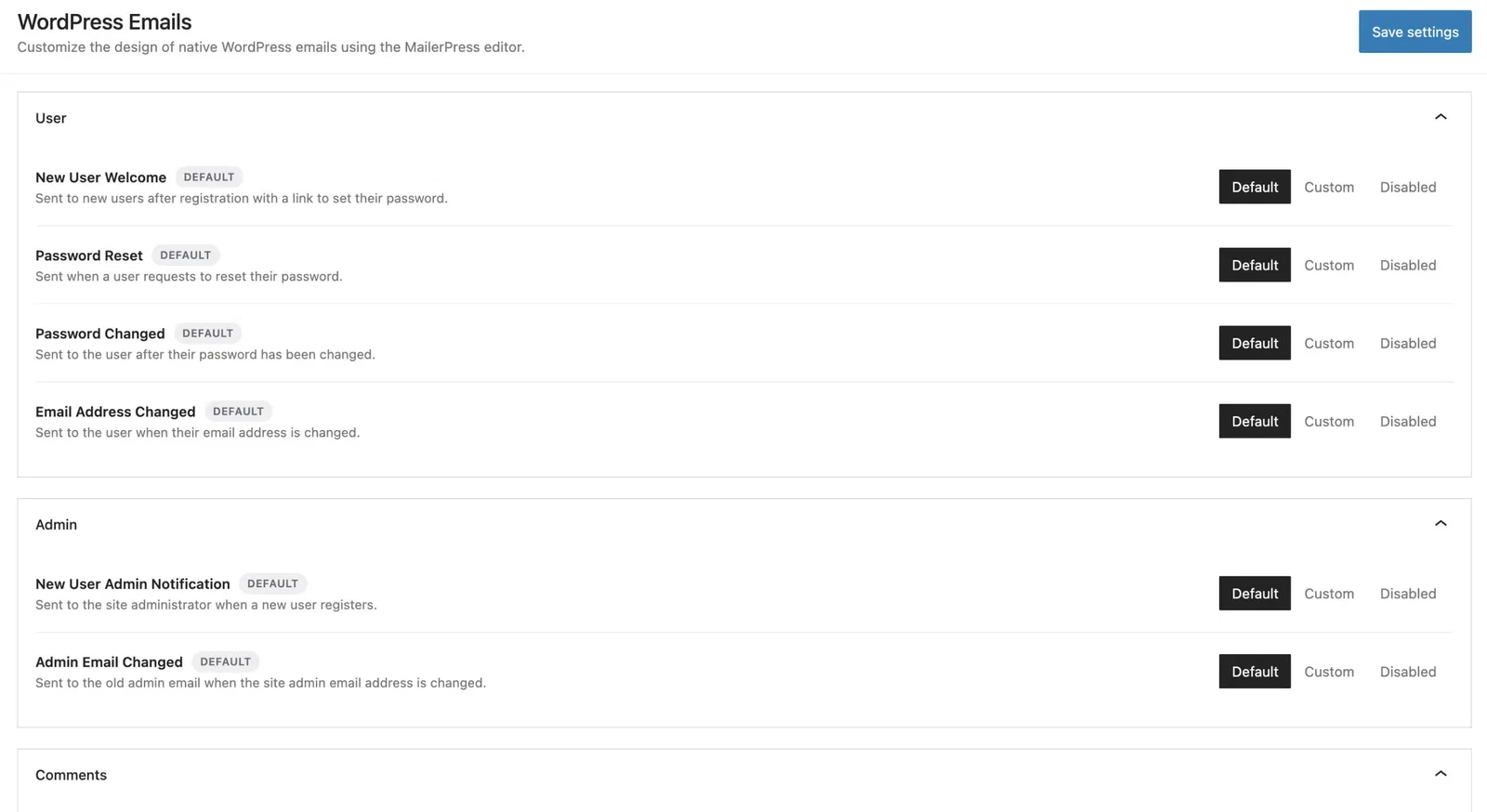
- Full Control Over System and Transactional Emails: MailerPress 2.0 now intercepts and overrides the default transactional emails sent by WordPress, allowing you to match them to your branding.
- Customizing Native WordPress Emails: The MailerPress visual editor can now be used to completely redesign welcome emails for new users, password reset emails, comment notifications and admin alerts.
- Editing WooCommerce Transactional Emails: MailerPress 2.0 offers complete customization of WooCommerce emails. You can redesign your order confirmations, customer invoices, shipment notifications and low stock alerts. Dynamic merge tags allow you to easily pull product details and order information directly into your custom layouts.
- New Integrations: MailerPress now offers native API integrations with Resend, Emailit and SMTP2GO. All three providers offer automatic bounce tracking and webhook support, and you can now select the native WordPress wp_mail() function as your email service provider. This makes MailerPress compatible with any third-party SMTP plugin you may already be using, such as WP Mail SMTP. MailerPress also integrates with WordPress User Sync, Divi, and WPML.
In other news, MailerPress now gives you the option of using either its standard Visual Editor (a drag-and-drop block builder) or a new raw HTML editor, which is ideal for pasting pre-built code or writing HTML from scratch. Finall, you no longer need to start a campaign to design an email. You can now create, save and manage templates independently, making it easier to build a library of reusable assets for future campaigns.

Biff Codes - The Job Board for WordPress Devs
Biff.codes is on a mission to revolutionize job boards. Post and find WordPress developer jobs for free.
FTC Disclosure: We may receive a payment in connection with purchases of products or services featured in this post.










Add your first comment to this post