
Curated blog with news, events, listings, jobs and exciting stories about web design & web development.

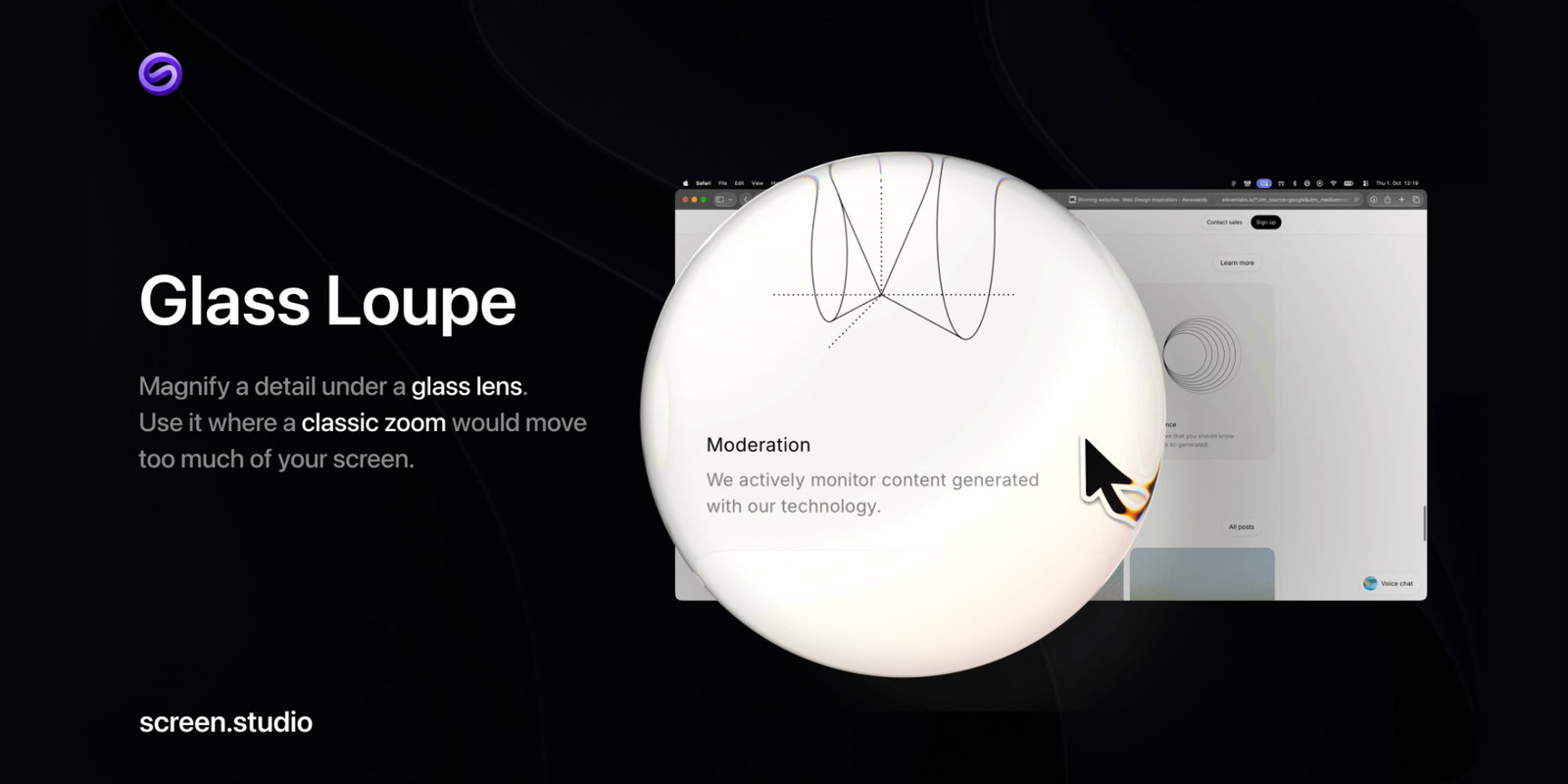
Screen Studio 4.0 Introduces Glass Loupe, Split Screen & Edit by Transcript
Adam from Screen Studio has just announced version 4.0 of his screen recording app for macOS. This new version introduces Glass Loupe, split-screen functionality, and the ability to edit by transcript.
New Features
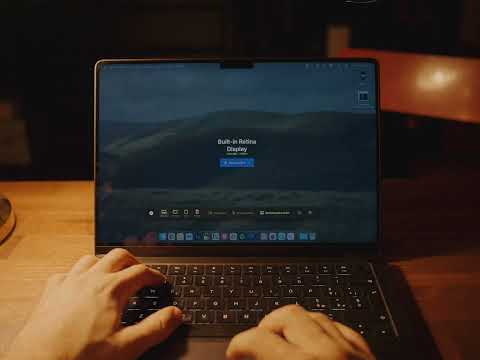
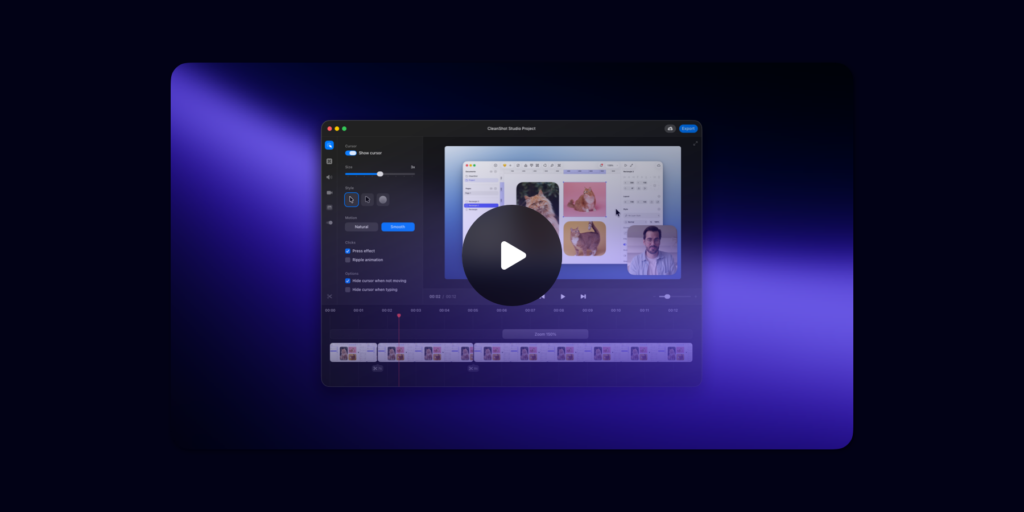
Screen Studio is a Mac screen recorder that takes care of the difficult aspects: zooms, motion, sound and framing. Every demo and tutorial looks professionally polished.
Let’s take a look at what’s new in Screen Studio 4.0:
- Glass Loupe: Magnify details through a glass lens. Use it when a standard zoom would cause too much movement on your screen.
- Split Screen: Show yourself and your screen either side by side or one above the other in a vertical video. Screen Studio will animate every layout change.
- Edit by Transcript: Edit your videos the way you would edit text. Delete a sentence from your transcript to remove it from your video. Filler words and long pauses are highlighted for you.
- Camera Cutout: Appear in your video without your background. Screen Studio can remove your background on a Mac and place you in front of your screen.
- Hide Sensitive Data & Faces: Your email addresses, phone numbers, card numbers and keys are all covered, and the faces of people in avatars and video calls are blurred. Everything runs on your Mac.
- Keyboard Shortcuts: The shortcuts that you press appear on the screen with the same symbols and names as on your Mac keyboard.
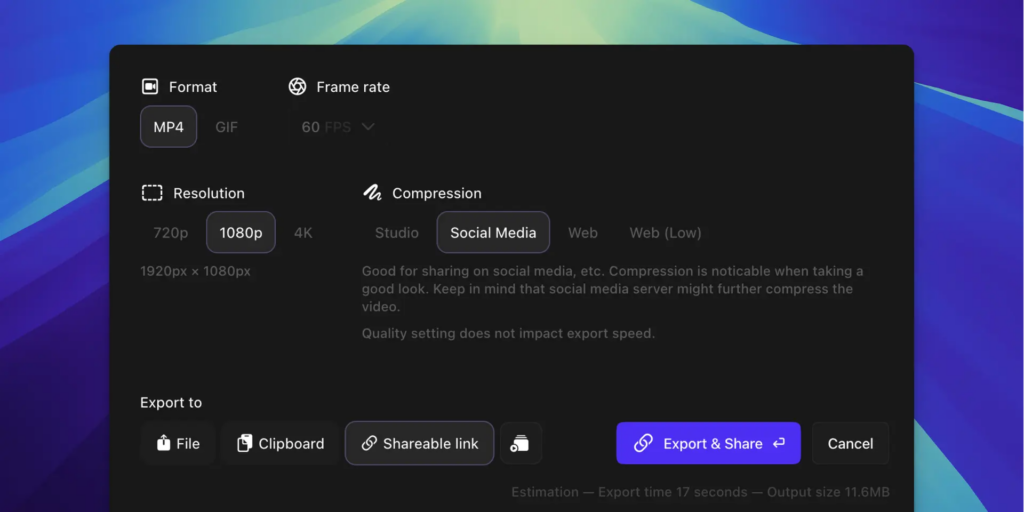
In other news, Screen Studio now offers sharper zooms, ProRes, exports up to four times faster, face tracking, voice modes, caption styles, shared projects and much more.

Biff Codes - The Job Board for WordPress Devs
Biff.codes is on a mission to revolutionize job boards. Post and find WordPress developer jobs for free.
FTC Disclosure: We may receive a payment in connection with purchases of products or services featured in this post.





Add your first comment to this post