
Curated blog with news, events, listings, jobs and exciting stories about web design & web development.

HeySummit: New Sponsor Packages, Sponsor Placement Controls & Automatic Talk Playlists
Ben from HeySummit has introduced sponsor packages, automatic talk playlists for stages, and a dashboard search feature to the event planning and hosting platform.
New Features
HeySummit made significant progress in streamlining the process of creating, promoting and running events in June. Let’s take a look at the latest developments:
- New Dashboard Search: The new dashboard search feature allows you to jump straight to pages, settings, attendees, talks, speakers, sponsors, tickets, coupons and more. It also searches inside settings forms, so you can find the right control quickly.
- Reusable Speaker Profiles: You can now save speaker profiles in an account-level Speaker Library, allowing you to add them to new events without having to re-enter the same details. Each event still has its own speaker record, which you can customize when needed.
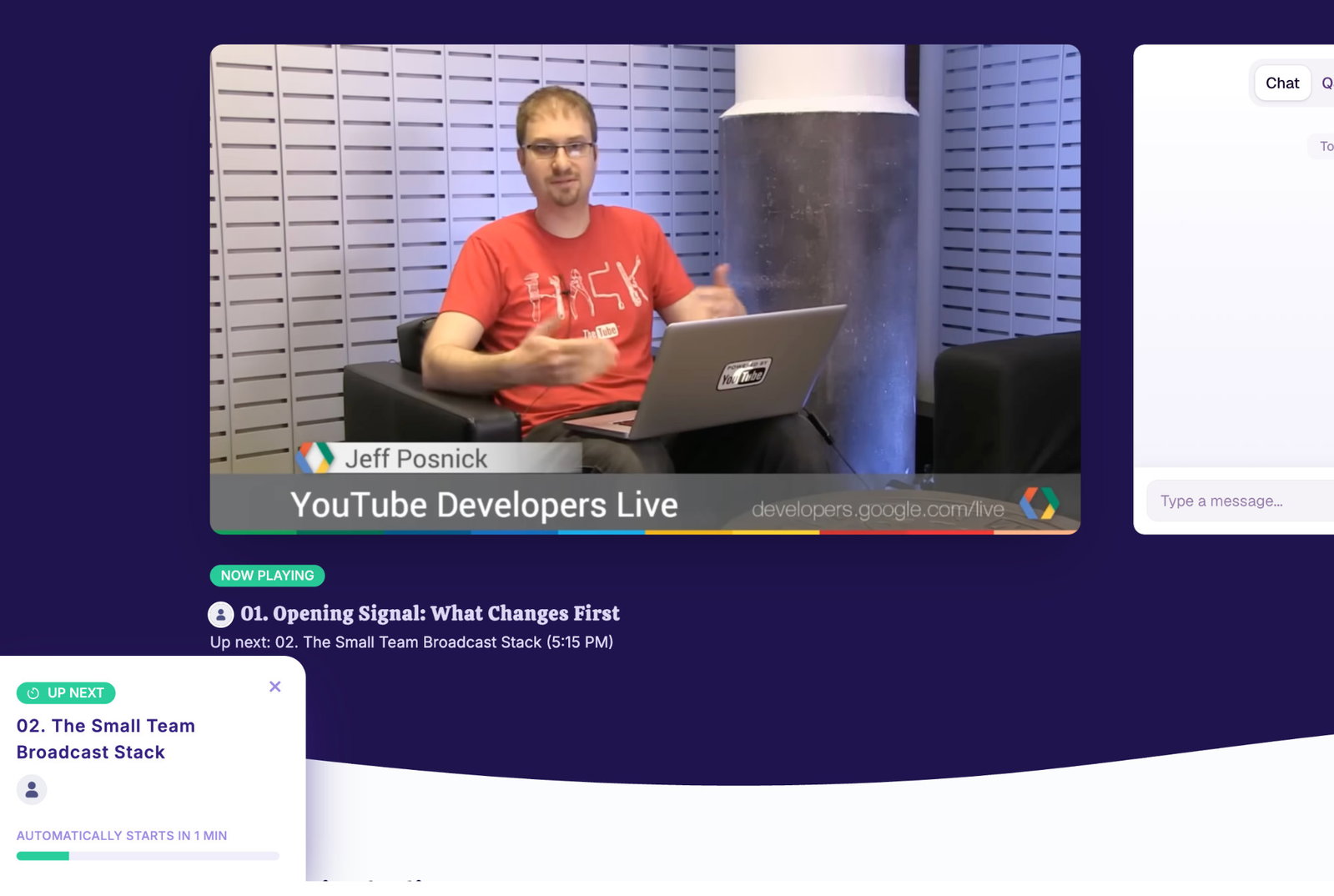
- Automatic Talk Playlist for Stages: Stage dates can now play linked talk broadcasts one after another, according to the schedule. Attendees can remain on the stage page when the next session begins, and organizers can preview the sequence before the event starts.
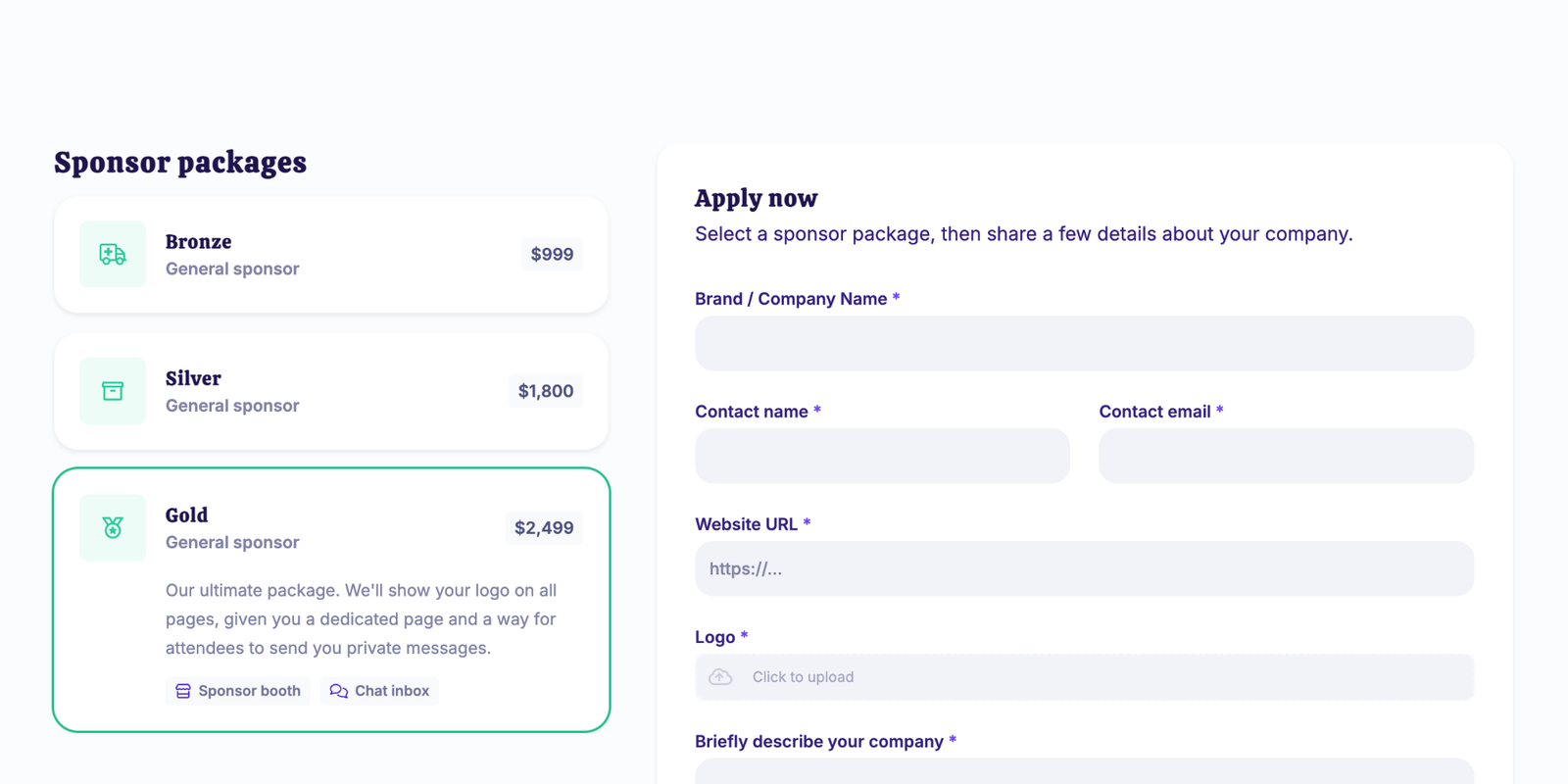
- Sell Sponsor Packages & Collect Sponsor Applications: You can now create sponsor packages, accept applications via your public event website, collect payments as required and review all activity from the dashboard. This makes the process of acquiring sponsors feel more integrated with the event itself, rather than being a separate manual process.
- Customization of Talk Submission & Sponsor Application Pages: Page Builder blocks are now available for the public ‘Submit a Talk’ and ‘Sponsor’ application pages, including editable headers, forms, and confirmation pages. This gives you greater control over the context, branding and follow-up experience for incoming proposals and sponsor leads.
- Granular Sponsor Placement Controls: When creating or editing a sponsor, you can specify exactly where their logo should appear, such as on the landing page, in the email footer, on blog posts, on category pages, on talk pages, or on stage pages. For category, talk and stage placements, you can also limit a sponsor to specific pages. This makes it easier to set up sponsor tiers, such as email-only, blog-only, category-only or dedicated talk and stage sponsorships.
In other news, HeySummit has released new integrations with Salesflare CRM, Encharge and GoHighLevel, making it easy to sync event attendees.

Biff Codes - The Job Board for WordPress Devs
Biff.codes is on a mission to revolutionize job boards. Post and find WordPress developer jobs for free.
FTC Disclosure: We may receive a payment in connection with purchases of products or services featured in this post.





Add your first comment to this post