
Curated blog with news, events, listings, jobs and exciting stories about web design & web development.

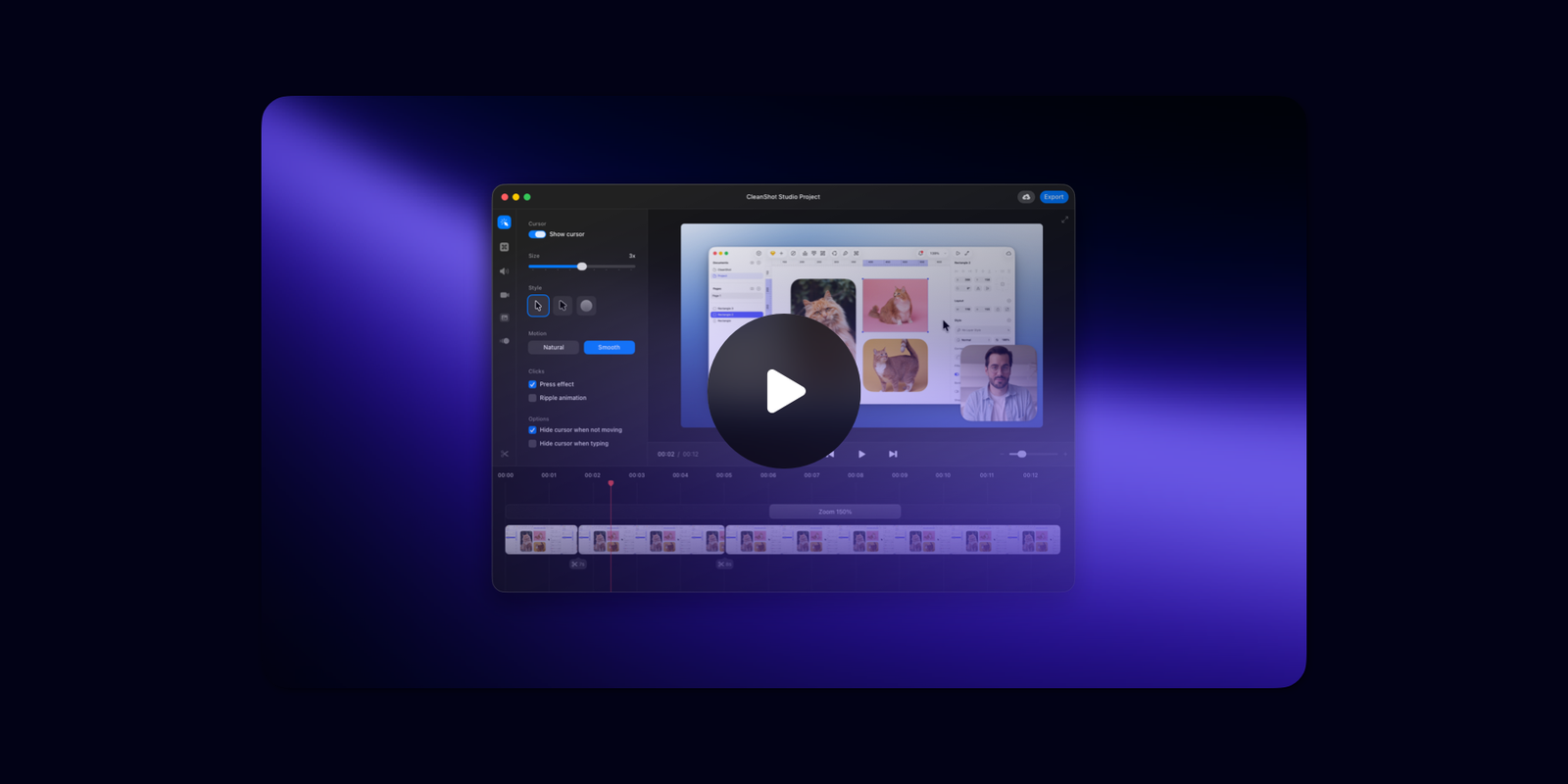
CleanShot 5.0 Introduces New Studio Mode
The CleanShot team has just announced a new Studio Mode, which makes it easy to turn a simple screen recording into a polished, professional-looking video. Effectively, they are positioning themselves as an alternative to Screen Studio.
New: Studio Mode
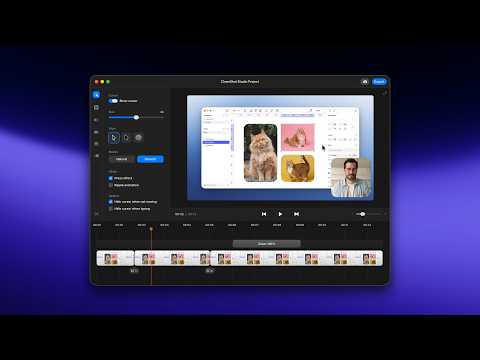
CleanShot 5.0 now includes a fast, Mac-native video editor. It’s built right into CleanShot, so there’s no need to export your recording to a third-party app. Just record, edit and share — all in one place!
Here’s a quick overview of what you can do with Studio Mode:
- Smart Zooms: Add smooth zooms that follow your cursor to draw attention to the most important parts of your recording.
- Video Backgrounds: Place your video on an eye-catching background with customizable spacing, shadows and styling. It’s the same background feature you love for screenshots, now available for videos.
- Smooth Cursor Movement: Clean up shaky cursor movement to make your recording easier to follow. You can also adjust the size and appearance of your cursor to make it more visible.
- Fast Rendering with Hardware Encoding: Export videos quickly with Mac-optimized performance.
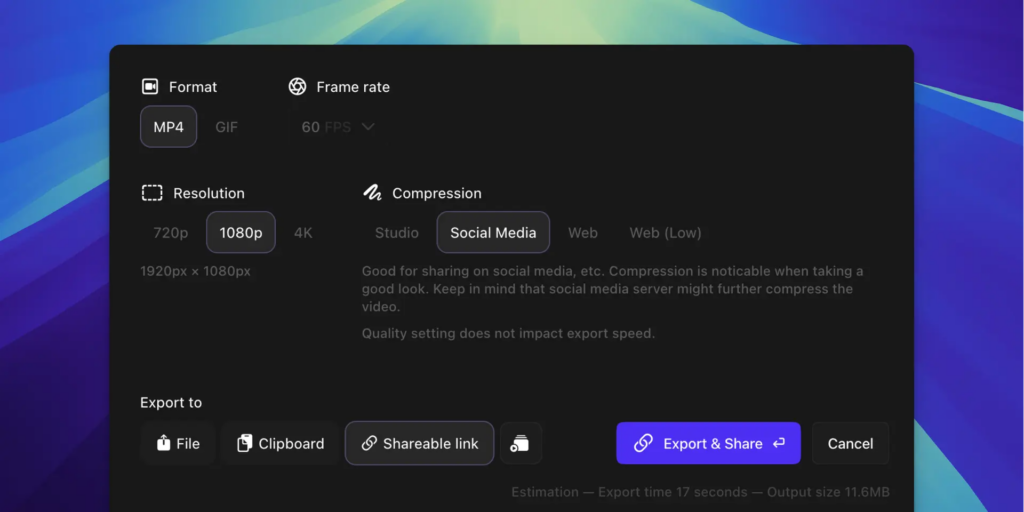
- Export to Every Platform: Easily export videos in landscape, square, or vertical formats, ready for TikTok, Instagram Reels, YouTube, and more.
- Advanced Video Editing: Use the cut tool to effortlessly remove unwanted sections of your video, add motion blur for a cinematic touch, and customize every detail, including keystrokes, mouse clicks, and camera settings.
With CleanShot, you can now easily create stunning videos from simple screen recordings.

Biff Codes - The Job Board for WordPress Devs
Biff.codes is on a mission to revolutionize job boards. Post and find WordPress developer jobs for free.
FTC Disclosure: We may receive a payment in connection with purchases of products or services featured in this post.







Add your first comment to this post