
Curated blog with news, events, listings, jobs and exciting stories about web design & web development.

FluentPlayer Now Supports Muted Previews, Modal Playback & Inline Chapters
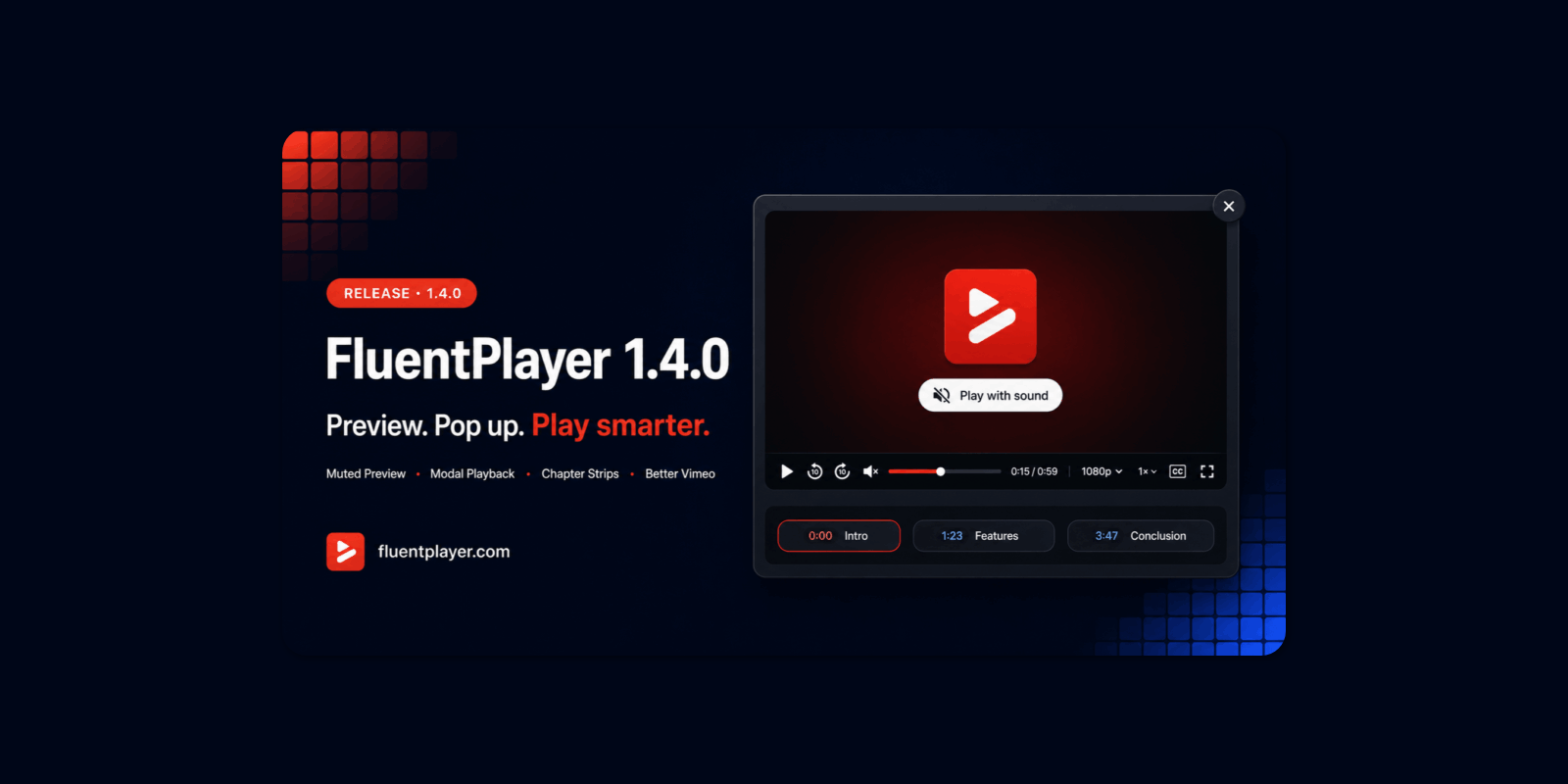
Jewel from FluentPlayer has just released version 1.4.0 of the next-generation video player for WordPress, introducing a muted preview feature, modal playback and inline chapters.
New Features
Let’s take a look at what’s new in FluentPlayer:
- Muted Preview: Your video will autoplay silently and loop, with a ‘Play with sound’ overlay on top. One click of the Enter or Space bar turns it into normal playback with sound. The best part? Nothing is tracked during the loop. There are no analytics, milestones or Resume Playback. All of that only starts when someone actually clicks. This means that your view numbers show real viewers, not background loops.
- Modal Playback (Pro): You can now open any video in a lightbox from text, a button, an image, a thumbnail or an icon. There is no need to add a full player to the layout. This is useful for hero sections, course previews and product demos.
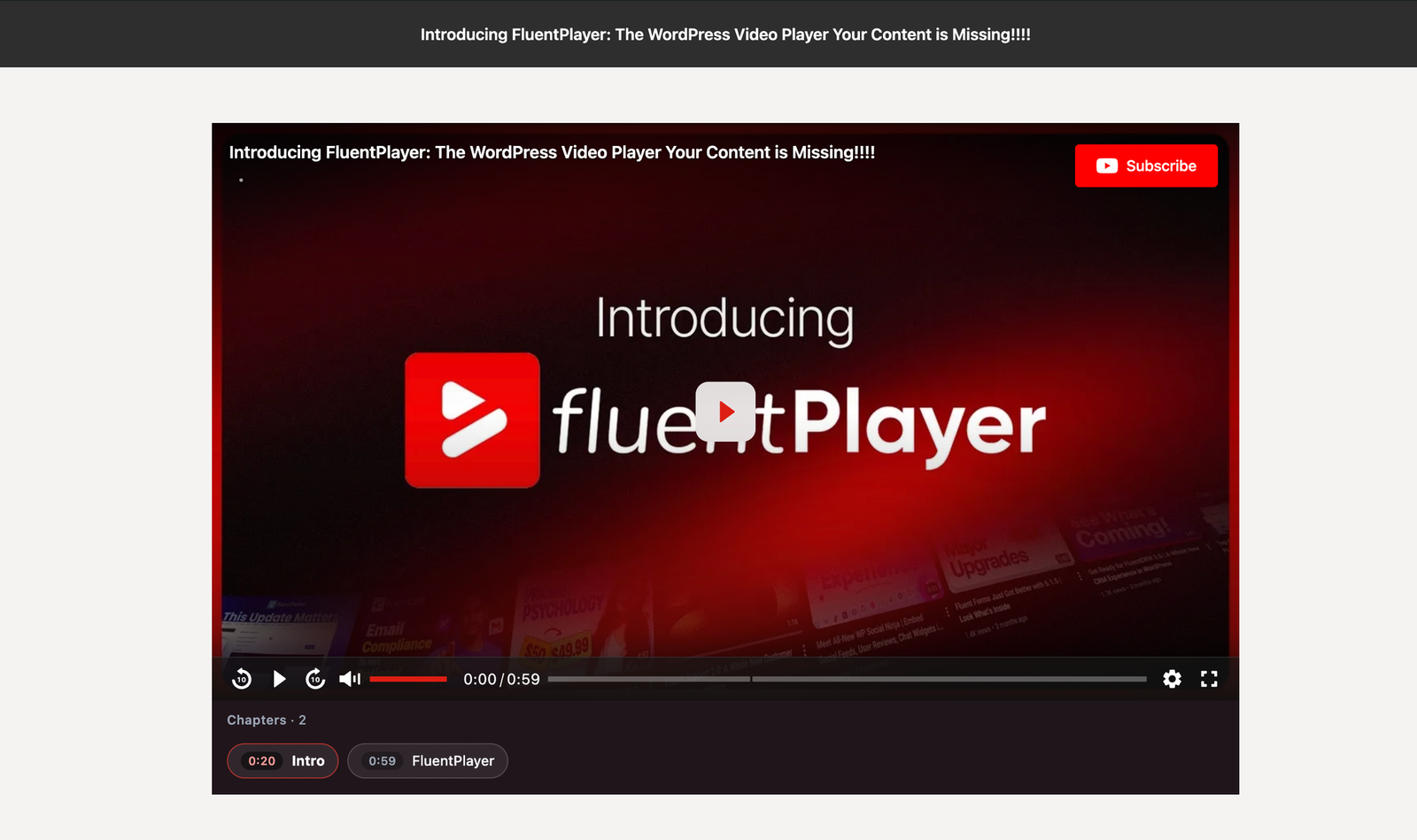
- Inline Chapters (Pro): Chapters can now be displayed as a scroll strip under the player, complete with titles and start times. Clicking on one jumps to that chapter. The active chapter follows along as the video plays.
In other news, FluentPlayer Pro now offers the following features for Vimeo videos: quality and speed menus, chapter editing and caption import. Privacy mode is now enabled by default. Single Playback pauses other players when one starts. There is also a new consent hook, meaning that YouTube and Vimeo will stay off until your consent tool allows them.

Biff Codes - The Job Board for WordPress Devs
Biff.codes is on a mission to revolutionize job boards. Post and find WordPress developer jobs for free.
FTC Disclosure: We may receive a payment in connection with purchases of products or services featured in this post.









Add your first comment to this post