
Curated blog with news, events, listings, jobs and exciting stories about web design & web development.


SureForms: Turn Features On or Off in One Screen & Review Step
SureForms has just introduced a new ‘Manage Features’ option to the AI form builder plugin for WordPress. There is one screen in the SureForms settings where you can switch off parts of the plugin that your site never uses. Anything you switch off will stop loading on your site and will no longer appear in your admin.
Manage Features
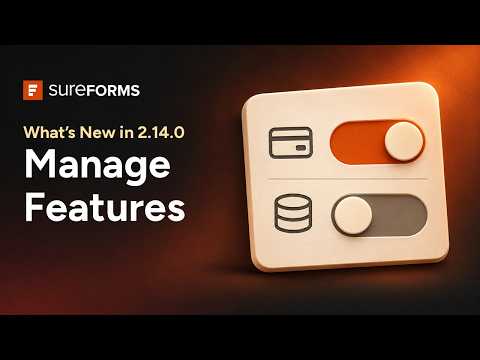
If the client site only collects quote requests, you can keep ‘Entries’ on to review submissions and switch ‘Payments’ off. If a site takes deposits, leave ‘Payments’ on. You can configure each site to use the forms it actually needs.
With SureForms 2.14.0, you can switch entries, AI form builder, OttoKit automations and payments on or off. The Business plan also enables you to manage quizzes, PDF generation, partial entries, calculations, and integrations and webhooks from the same screen.
New Review Step
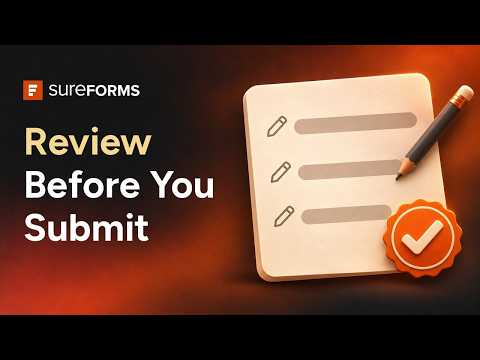
In other news, SureForms Premium 2.13.1 allows visitors to check their answers with a review step. You can now end a multi-step or conversational form with a review step. Visitors can then see all their answers in one place and edit any of them before submitting the form.

Biff Codes - The Job Board for WordPress Devs
Biff.codes is on a mission to revolutionize job boards. Post and find WordPress developer jobs for free.
FTC Disclosure: We may receive a payment in connection with purchases of products or services featured in this post.








Add your first comment to this post