
Curated blog with news, events, listings, jobs and exciting stories about web design & web development.

Job Boardly Introduces Scheduled Publishing & Expired Job Emails
Nelson from Job Boardly has just introduced scheduled publishing, expired job emails and improved job filters to the no-code job board builder SaaS.
New Features
Let’s take a look at what’s new in Job Boardly:
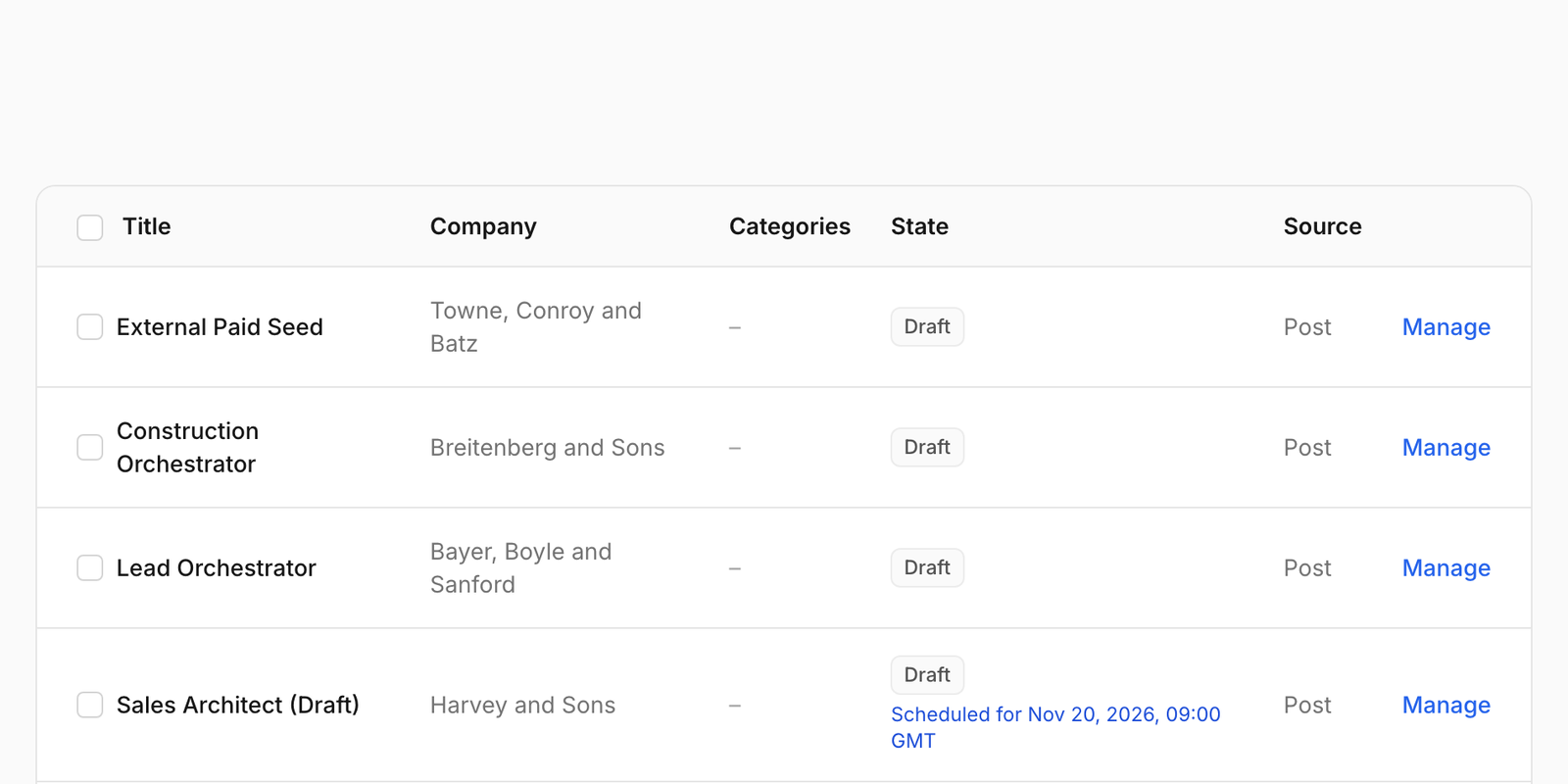
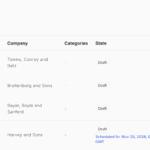
- Scheduled Publishing: Board owners can now schedule jobs to go live at a specific date and time. Simply open any draft job and select a date and time under ‘Schedule publishing’. The job will then be published automatically. Scheduled jobs display their publication time in your Drafts folder, allowing you to see what’s coming up at a glance. This feature is ideal for aligning job posts with announcements, hiring events, or the start of the working week.
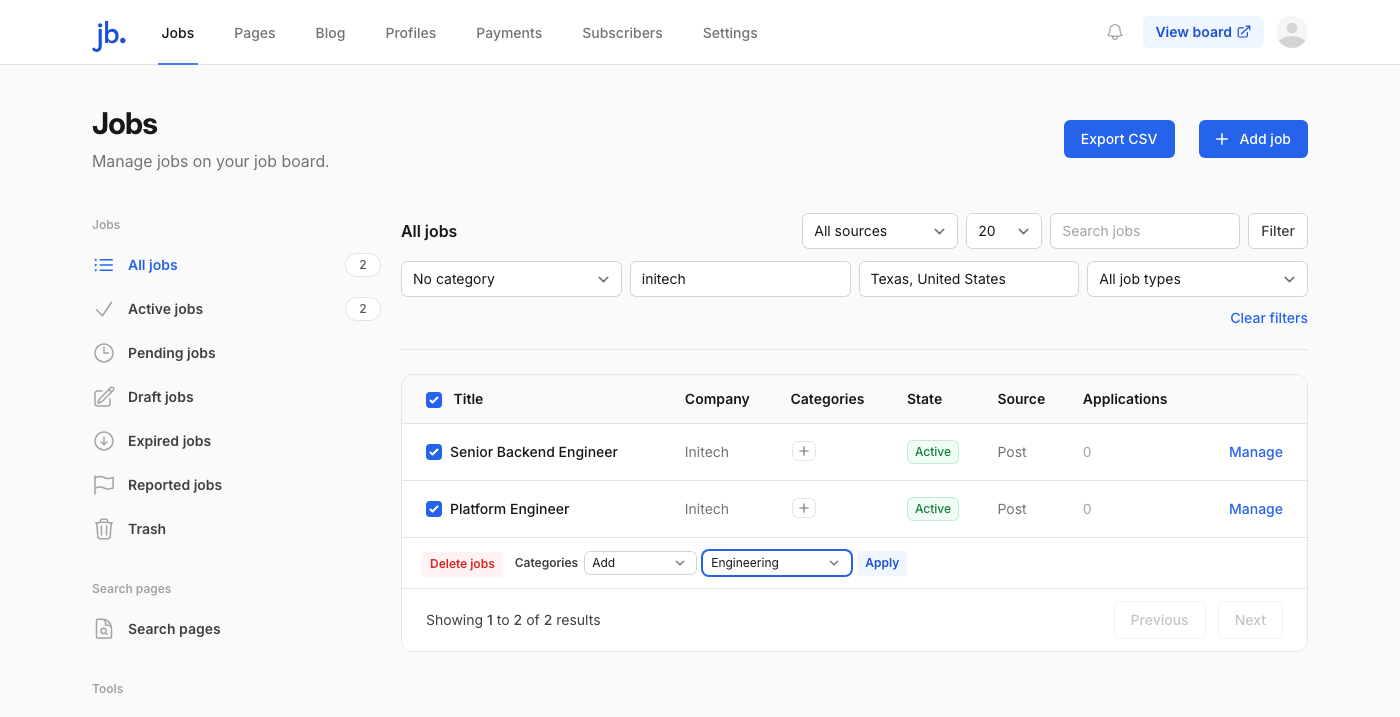
- Job Filters, Bulk Categories & Category Order: The ‘Jobs’ list on your dashboard now includes filters for category, company, location and job type. There is also a ‘No category’ filter to help you find jobs that haven’t been categorized yet. You can then select jobs and add, replace or remove categories for every matching job across all pages in one go. Board owners can also choose the order of their categories. In the settings, you can drag your categories into the desired order. This order will be used by your board for job filters, the job posting form and job alerts.
- Expired Job Emails & Easy Reposts: Board owners can now automatically email employers when a job listing expires, providing them with a ‘Repost’ button that allows them to put the job back up in a couple of clicks. The email is sent in the language of your board. This simple feature encourages repeat posts from employers who are still hiring. When an employer reposts an expired job for which they received applications, they can now transfer those applications to the new post to ensure nothing gets lost.
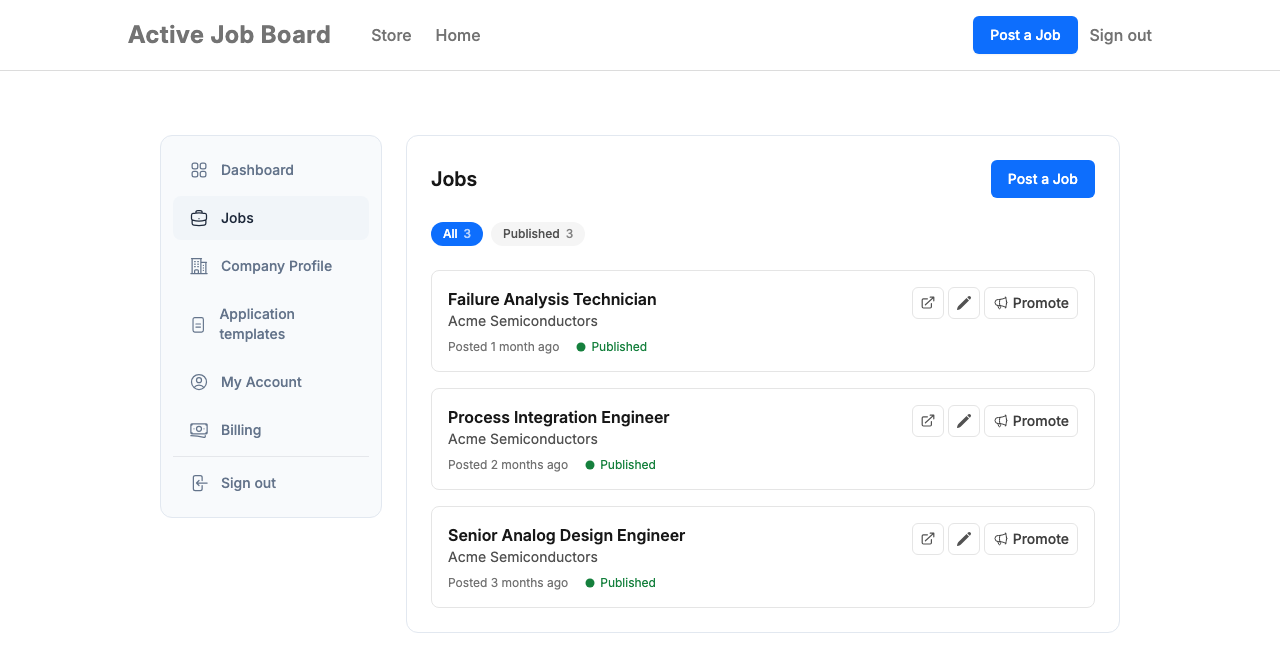
- Promote Live Jobs with Package Credits: Employers with package credits can now use one to highlight and pin a job that’s already live. Previously, credits could only be used on new posts. Employers will see a new ‘Promote’ button next to each live job in their dashboard, providing them with an additional incentive to purchase packages from your board.
In other news, Job Boardly Pro and Ultra board owners can now connect their job board to any AI assistant that supports MCP, including Claude, Claude Code and Cursor. This is a new beta feature. Once connected, you can ask your assistant questions about your board in plain English, such as how many applications you have received this month, how much revenue your board has generated, or to find a particular job. The connection is read-only, meaning your assistant can view your board but cannot make any changes. Job applications will remain private unless you activate a separate setting that allows your assistant to read them.

Biff Codes - The Job Board for WordPress Devs
Biff.codes is on a mission to revolutionize job boards. Post and find WordPress developer jobs for free.
FTC Disclosure: We may receive a payment in connection with purchases of products or services featured in this post.





Add your first comment to this post