
Curated blog with news, events, listings, jobs and exciting stories about web design & web development.

xCloud Now Supports One-Click Server Rebuilds
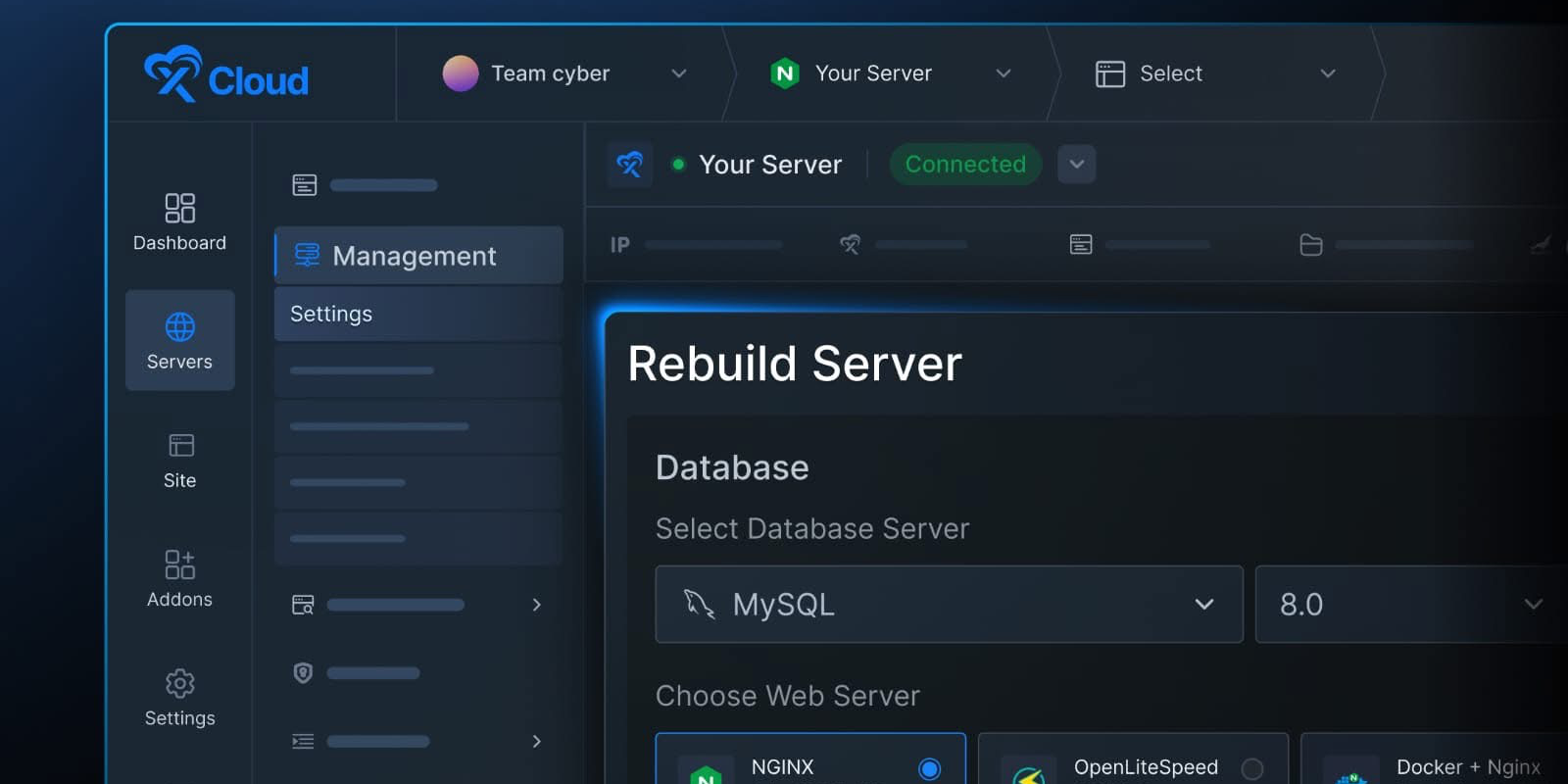
The xCloud team has just released a new Rebuild Server feature for its managed cloud hosting platform. It only takes one click to create a fresh server with the same IP and billing.
New: Server Rebuild
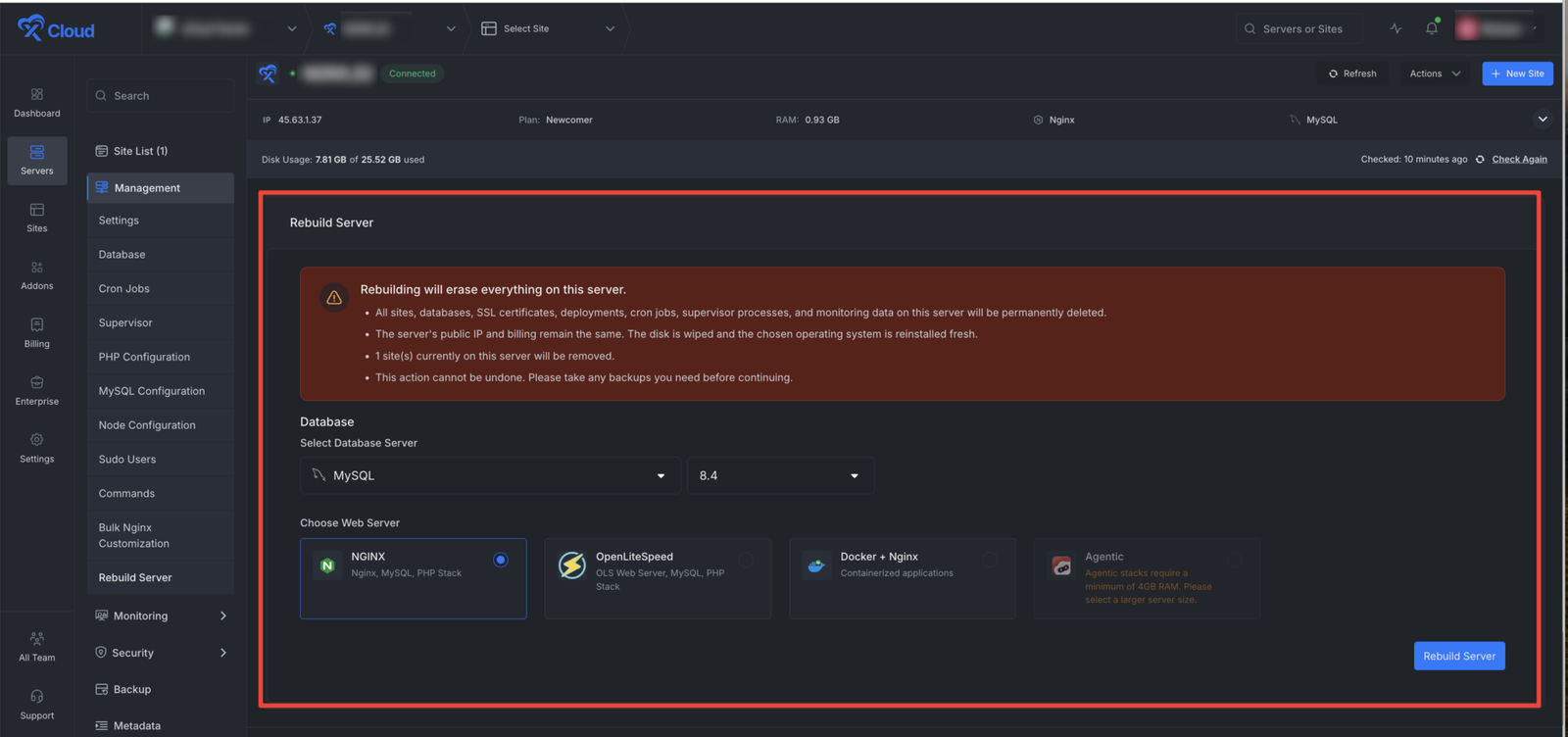
Would you like to switch your web stack, change your database, or tidy up a messy server? This is usually a lengthy process involving decommissioning the existing server, setting up a new one, updating DNS records, reconfiguring firewall rules, and navigating a new billing cycle.
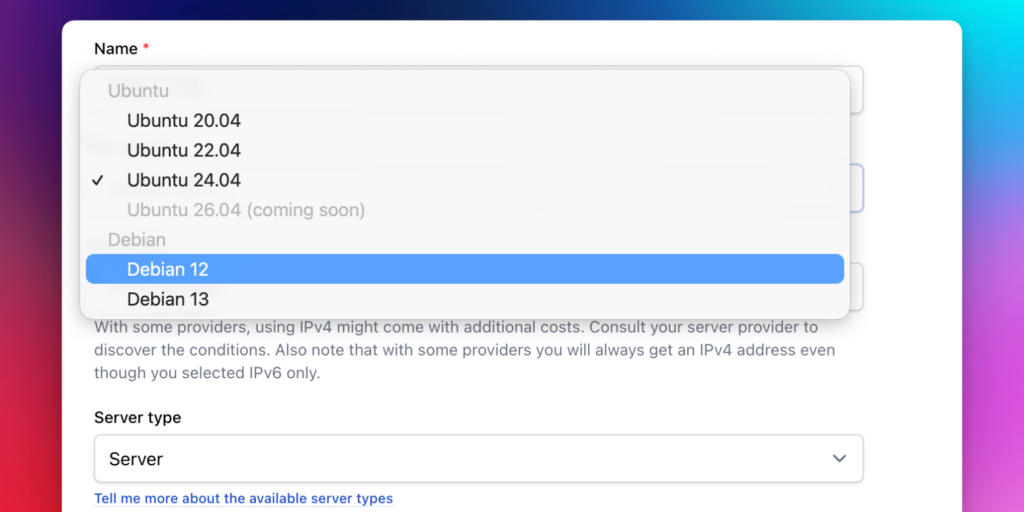
Server Rebuild is a simple, one-click solution that resets your server to its original state, configured exactly how you want it. You get the same IP and billing, but a brand-new stack.
Check out the benefits:
- Switch to a different web stack, such as NGINX, OpenLiteSpeed, Docker + NGINX or one of xCloud’s Agentic stacks such as OpenClaw, Paperclip (see The Pier #149) or Hermes.
- Upgrade your database to MySQL 8.4 or MariaDB 11, or even skip the database entirely!
- Keep the same public IP address to ensure that your DNS records, firewall rules and monitoring URLs stay intact.
- Keep the same billing cycle – no new server means no new invoice!
- You will also get the same security hardening and a fresh disk – SSL, SSH and a 7G firewall will be reinstated automatically.
This is perfect for anyone migrating from NGINX to OpenLiteSpeed, switching to an agentic stack or resetting a staging environment to a clean baseline.
This feature is currently only available for xCloud Managed servers. However, support for self-managed servers is coming soon.

Biff Codes - The Job Board for WordPress Devs
Biff.codes is on a mission to revolutionize job boards. Post and find WordPress developer jobs for free.
FTC Disclosure: We may receive a payment in connection with purchases of products or services featured in this post.






Add your first comment to this post